How Much Does It Cost to Turn a Website Into an App in 2026?
WebToApp Team
Product
You already have a website. Customers use it on phones. What you want now is a real listing on Google Play and the App Store — and a straight answer on what that costs in 2026 before you sign anything.
Search convert website to app cost and you get a wall of competitor posts: AppOfWeb, Superapp, Appy Pie, Median, MobiLoud, and half a dozen more. Most pages optimize for clicks, not your spreadsheet. They bury store fees, quote monthly plans as if year-one were free, or pretend a thin brochure site sails through Apple review.
This guide is different. We sell WebToApp.app — a pay-once URL wrapper — so we have a bias. We will still show the full route table with honest bands, year-one math you can paste into a budget, and the fees every path shares. Brand note: WebToApp.app is not WebsiteToApp.app, Appy Pie, AppOfWeb, Median, MobiLoud, or Superapp. Different products, different pricing models.
- Free demo: 0 credits — try your live URL before you pay.
- Production credits (charged only if the production build succeeds): Android $39 / iOS $59 / both $89.
- Add-ons: $9 once each (e.g. OneSignal push) — per app.
- Google Play developer account: $25 one-time. Apple Developer Program: $99/year.
- You keep your own store accounts. You download signed AAB + IPA files.
- No subscription to keep the app live. Site URL updates load without a store resubmit. Shell changes (icon, splash, OneSignal keys) need a rebuild.
- No store-approval guarantee — Apple Guideline 4.2 and Play policy still apply.
Start with your live URL, not a quote form
Paste your published HTTPS site at https://www.webtoapp.app/signup and open the free demo at 0 credits. If checkout, forms, or nav fail on a phone today, no route will fix that with pricing alone. Pricing details: https://www.webtoapp.app/pricing · FAQ: https://www.webtoapp.app/faq
#Five routes to turn a website into an app (and what you actually buy)
Every path ends with store binaries and store accounts. What changes is who builds the shell, who submits, whether you pay once or monthly, and how much engineering you carry.
#1. DIY with Capacitor or Cordova
You (or a freelancer) wrap your site in an open-source native shell, configure icons and splash screens, wire push if needed, then build AAB and IPA locally or in CI.
- Year-one cost band: roughly $0–$3,000+ depending on whether you do it nights-and-weekends or hire a contractor for setup, signing, and store listing polish.
- What you buy: full control, no platform subscription, and the learning curve of Xcode, Android Studio, certificates, and store consoles.
- Best when: you have a developer on staff, need custom native plugins, or plan to outgrow a wrapper within a year.
- Watch for: time cost is real. A senior dev’s hour rate times 20–40 hours often beats a $89 converter — until you factor ongoing maintenance.
#2. Pay-once URL wrapper (WebToApp.app)
Your live HTTPS URL loads inside a native shell: splash, WebView, branded offline retry, optional push. You get signed AAB and IPA files. Content updates on the site appear in the app without resubmitting to stores. Icon, splash, display name, and add-on keys need a rebuild.
- Year-one cost band: about $64–$213+ for a typical both-stores launch (see math below). No monthly platform fee to keep the app live.
- What you buy: speed and predictability — demo free at 0 credits, production credits only if the build succeeds.
- Best when: your mobile site already works, you want Play and/or App Store presence, and you would rather pay once than rent a publisher forever.
- Not for: apps whose core value is offline-first data, heavy Bluetooth/camera pipelines, or UX that cannot live in a WebView.
#3. Subscription wrappers (Median / AppMySite-class)
SaaS platforms host the build pipeline, sometimes submission helpers, and dashboards. You pay monthly or annually. Cancel the plan and the vendor may pull your app or stop updates — read each vendor’s terms before you budget.
- Year-one cost band: roughly $600–$3,000+ at common $50–$250/month entry tiers, plus the same $25 Play and $99 Apple fees.
- What you buy: hand-holding, templates, and often a faster first submission — traded for recurring cost and platform lock-in.
- Best when: you want managed builds and are comfortable with subscription math over 2–3 years.
- Watch for: headline “$X/month” pages that exclude store fees, push vendors, or paid tiers needed for both platforms.
#4. Managed conversion (MobiLoud-class)
A team wraps your site, handles store assets, and often owns part of the publishing workflow. Project or retainer pricing replaces DIY console work.
- Year-one cost band: often $2,000–$8,000+ depending on scope, push setup, and how many review cycles they include.
- What you buy: time back and someone to answer reviewer questions — not a magic pass on Apple 4.2.
- Best when: revenue justifies outsourcing and your internal team has no mobile release experience.
- Watch for: ongoing maintenance quotes after launch. Wrappers still need rebuilds when shell assets change.
#5. Agency or full native rebuild
Swift/Kotlin (or cross-platform frameworks) recreate product flows natively. Highest ceiling, highest invoice.
- Year-one cost band: $10,000–$150,000+ for MVPs through full product teams.
- What you buy: custom UX, offline models, and hardware integrations wrappers cannot honestly fake.
- Best when: the app is the product — not a discovery channel for a site that already works.
- Watch for: quoting “from $X” without defining which screens ship in v1.
“The cheapest route is the one that matches how your site already behaves on a phone — not the one with the smallest number on a landing page.”
#Year-one math: WebToApp.app both platforms (worked example)
Strip the marketing. Here is a realistic first-year stack for launching on Google Play and the App Store with WebToApp.app when your site is already mobile-ready.
- Production credits (both platforms): $89 — charged only if both production builds succeed.
- Google Play Console registration: $25 one-time.
- Apple Developer Program: $99/year.
- Optional OneSignal push add-on: $9 once (if you want native push for launches and re-engagement).
- Total without push: $89 + $25 + $99 ≈ $213 first year.
- Total with OneSignal: ≈ $222 first year.
Android-only year-one is leaner: $39 production + $25 Play ≈ $64 (plus optional $9 push). iOS-only: $59 + $99 Apple ≈ $158. Second year drops the Play signup (already paid) but Apple’s $99 renews — WebToApp.app still does not charge a subscription to keep binaries you already downloaded.
Credits charge only on success
Failed production builds auto-refund credits. You are not paying for a broken pipeline — but you are still responsible for store accounts, listing assets, and policy compliance. See https://www.webtoapp.app/faq for build and billing details.
#How that compares to other routes (same year, honest bands)
- DIY Capacitor/Cordova: $0 cash if you only count your weekends; $1,500–$3,000+ if you invoice a freelancer for signing, push, and store polish — plus $124 in store fees for both platforms.
- Subscription wrapper at $99/month: ~$1,188 platform fees year one + $124 store fees ≈ $1,312 before add-ons — and you pay again in year two.
- Managed MobiLoud-class: $2,000–$8,000 project/retainer + $124 store fees common for small business scopes.
- Agency native rebuild: $10,000+ is normal for a focused MVP; six-figure budgets are not rare for consumer products.
None of these numbers include your site’s existing hosting, analytics, or email tools. They also do not include rejected-review rework — budget time, not just dollars.
#What you do not pay WebToApp.app for
- Per-user or per-download fees — we do not meter your installs.
- Monthly rent to keep an app you already built and submitted.
- Store submission on your behalf — you own Play Console and App Store Connect.
- Content sync from your CMS — the app loads your live URL; no proprietary sync layer to license.
- Guaranteed review approval — no vendor can honestly sell that; we ship signed binaries when builds succeed.
That last point matters for ROI math. A $10,000 agency quote sometimes includes “we handle Apple.” What they mean is project management and resubmission — not a policy waiver. Budget the same 4.2 and Play compliance work no matter which dollar column you pick.
#Hidden fees every honest budget needs
Competitor cost posts love a single headline number. Stores and reviewers do not.
- Apple Developer Program — $99/year, every year you want App Store or TestFlight distribution.
- Google Play Console — $25 one-time account registration.
- Rebuild credits when shell assets change — new icon, splash, app name, OneSignal/FCM keys, or package identifiers are not free silent updates on any wrapper platform.
- Push and ads add-ons — WebToApp.app charges $9 once per app for integrations like OneSignal; other vendors bundle or upsell differently.
- Store listing assets — screenshots, feature graphics, and privacy questionnaires cost time even when cash cost is zero.
- No approval guarantee — converters ship binaries. Apple Guideline 4.2 (minimum functionality) and Play spam/minimum-functionality policy can still reject thin sites.
- Membership and checkout compliance — digital goods, login walls, and regional tax rules are yours; no converter lawyer-proofs your listing.
Thin brochure sites are a cost multiplier
Paying $89 does not buy a 4.2 exemption. A one-page marketing site with no real utility often fails review — then you pay in redesign time, not credits. For the review checklist and submission paths, read How to Publish Your Website on Google Play and the App Store in 2026 (https://www.webtoapp.app/blog/publish-website-to-google-play-app-store-2026). We cover Guideline 4.2 there; this post stays on money.
#Which route should you pick?
- Mobile site works today + want lowest year-one cash + you will own store consoles → pay-once URL wrapper (WebToApp.app) or DIY if you already have a mobile dev.
- Mobile site works + want someone else on call for submissions → subscription or managed vendor — but model 3-year total, not month-one teaser rate.
- Mobile site broken on phones → fix the site first. Native rebuild only if WebView cannot carry the product.
- Hardware/offline/core UX is native-only → skip wrappers; budget agency or in-house native.
- Need push for retention on a content or commerce site → add $9 OneSignal once on WebToApp.app; setup guide: Push Notifications with OneSignal (https://www.webtoapp.app/blog/push-notifications-onesignal-guide).
#Platform-specific cost context
Store fees are the same no matter what CMS you use. What changes is how painful mobile web is today and whether your platform sells its own app builder subscription.
- Wix — builder subscription vs pay-once wrapper tradeoffs: Convert Wix to a Mobile App in 2026 (https://www.webtoapp.app/blog/convert-wix-to-mobile-app).
- Webflow — CMS and interactions in a WebView: Convert Webflow to a Mobile App in 2026 (https://www.webtoapp.app/blog/convert-webflow-to-mobile-app).
- Shopify — avoid $149/month app builders when the storefront already works: Convert Shopify to a Mobile App in 2026 (https://www.webtoapp.app/blog/convert-shopify-to-mobile-app).
- WordPress — no plugin required: Convert WordPress to a Mobile App in 2026 (https://www.webtoapp.app/blog/convert-wordpress-to-mobile-app).
#WebToApp.app walkthrough (where the dollars go)
- Sign up at https://www.webtoapp.app/signup and paste your published HTTPS URL.
- Open demo on General — 0 credits. Walk store, forms, and login paths like a reviewer.
- Set branding: 1024×1024 icon, splash, app name (Apple caps at 30 characters).
- Optional: enable OneSignal push ($9 once) if retention matters for your use case.
- Run production for Android ($39), iOS ($59), or both ($89). Credits move only when builds succeed.
- Download AAB + IPA. Submit with your own Play and Apple accounts — we do not guarantee approval.
- Keep editing your site. URL content updates load without store resubmit. Rebuild when shell assets change.
New to the dashboard? Start with Getting Started with WebToApp (https://www.webtoapp.app/blog/getting-started-with-webtoapp). Ready to submit? The publish guide covers Play closed testing, Apple review notes, and 4.2 positioning (https://www.webtoapp.app/blog/publish-website-to-google-play-app-store-2026).
#Pre-spend checklist (save credits)
- Published HTTPS URL — not staging, not a password wall without demo credentials in review notes.
- Mobile web works in Safari and Chrome on real devices — nav, checkout, forms, member flows.
- Privacy policy URL matches what you collect; link it in the site and both store listings.
- 1024×1024 app icon ready (no alpha for Apple).
- Enough real content that Guideline 4.2 will not treat the app as a bookmark.
- Play ($25) and/or Apple ($99) developer accounts created — WebToApp.app does not substitute for your store identity.
- Budget time for review: Play closed testing for new personal accounts, Apple typically days not hours.
#Quick FAQ
#What is the cheapest way to turn a website into an app?
If your site already works on mobile web, a pay-once URL wrapper plus store fees is usually the lowest year-one cash outlay. DIY Capacitor is cheaper only if your time has no opportunity cost. Subscription tools look cheap at $29–$49/month until you multiply by twelve and add Apple’s annual fee.
#Do I need a monthly fee to keep the app live?
Not with WebToApp.app — there is no subscription to keep downloaded binaries alive. Apple’s $99/year is Apple’s rule, not ours. Some competitor platforms charge monthly to keep building or hosting; read their cancel policies before you compare.
#Do site updates cost extra?
Content on your live URL updates in the app without a store resubmit. Changing the shell — icon, splash, push keys — needs a rebuild and may spend credits again on production. That is true for every wrapper route, not just ours.
#What if Apple rejects the app?
No converter can guarantee approval. Fix content depth, metadata, and reviewer notes — the publish guide linked above is the right next read. Credits already spent on successful builds are not refunded because a store rejected your listing; policy compliance is separate from build success.
Ready to price your exact URL?
Free demo: https://www.webtoapp.app/signup · Production pricing: https://www.webtoapp.app/pricing · Billing and builds FAQ: https://www.webtoapp.app/faq
Related Articles
 Tutorials
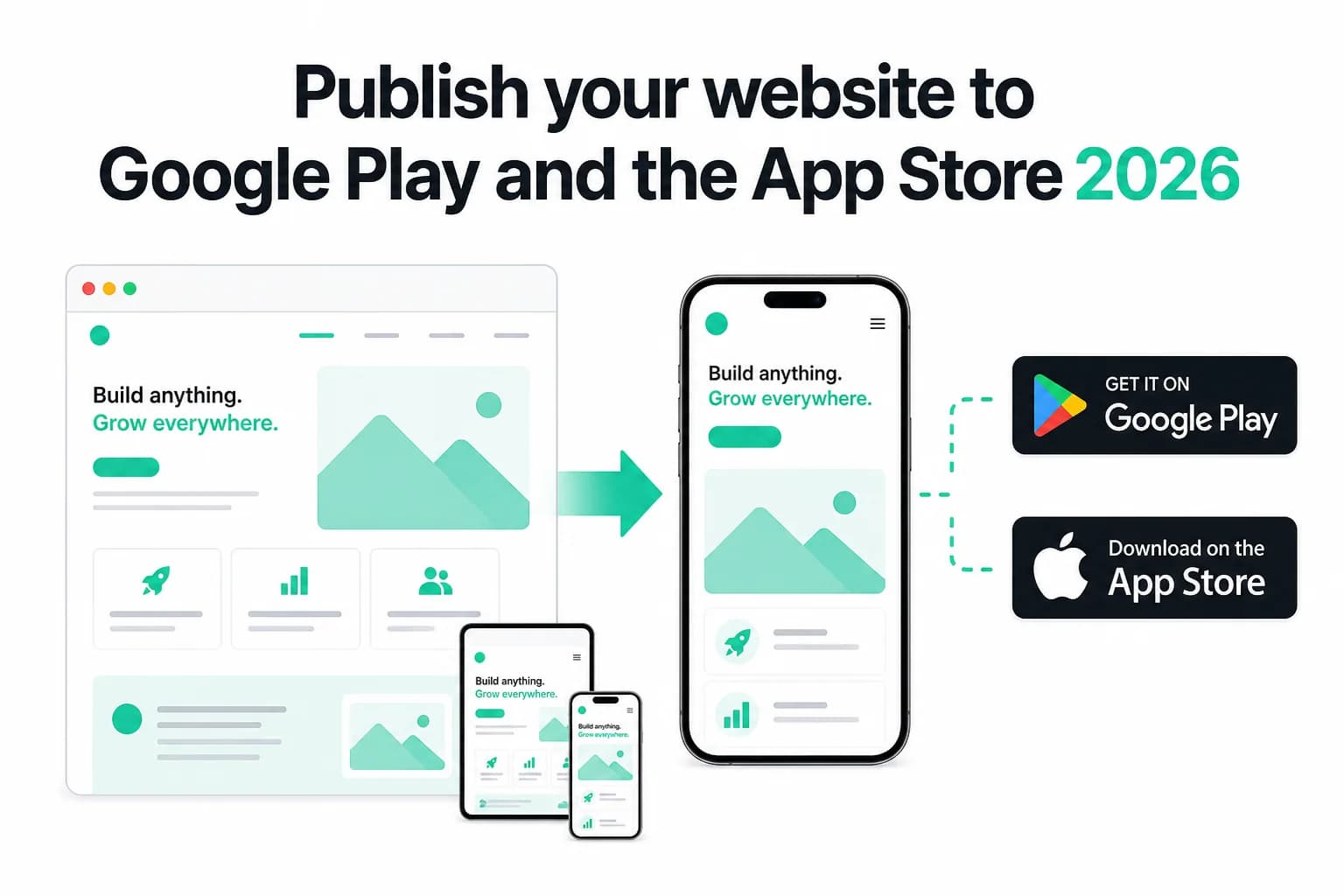
How to Publish Your Website on Google Play and the App Store in 2026 (No Code)
Publish your existing website as Android and iOS apps in 2026 — no Android Studio or Xcode. Get store-ready AAB and IPA files, pass Play closed testing and Apple 4.2, and only pay if the production build succeeds.
WebToApp Team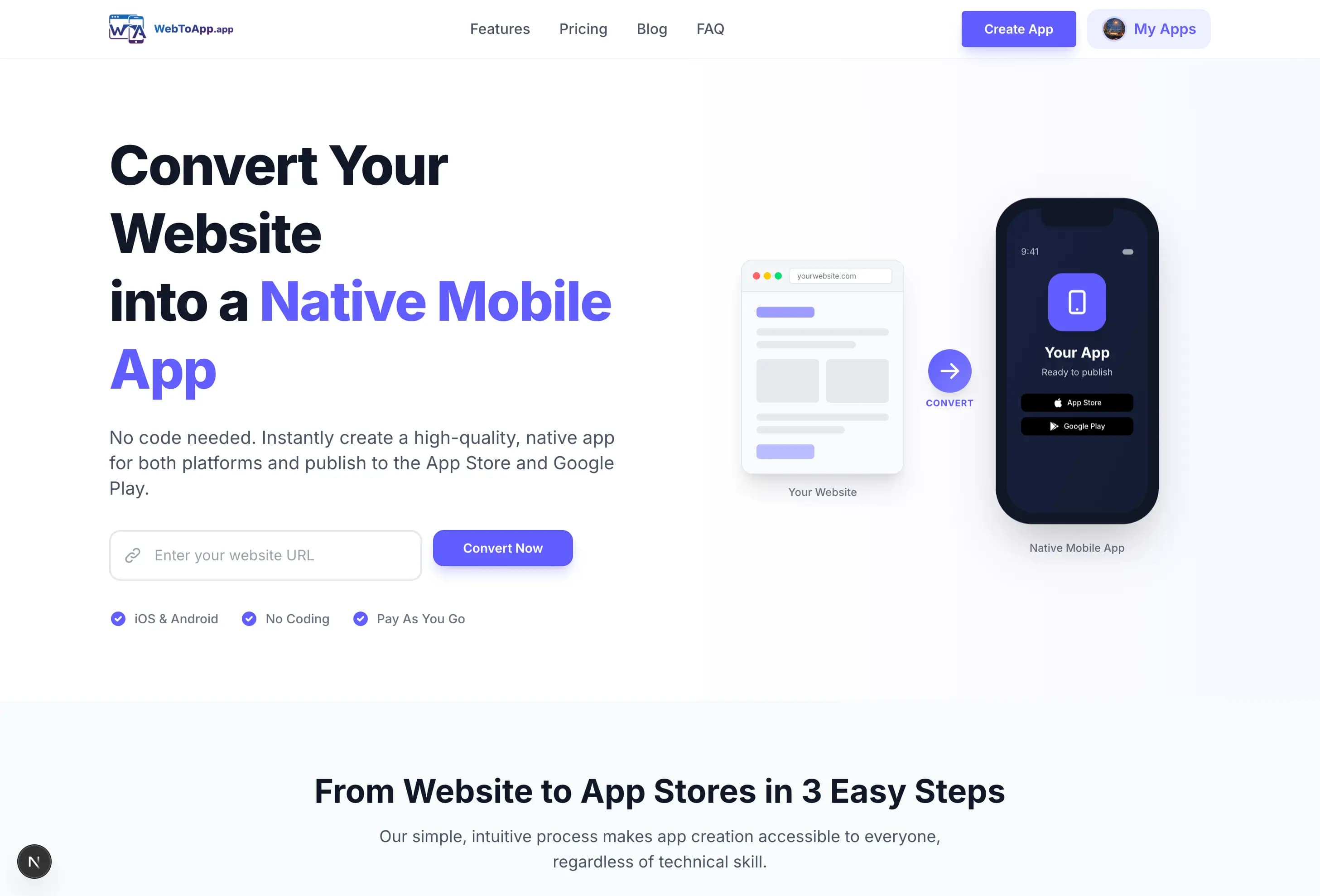 Tutorials
Getting Started with WebToApp: Convert Your Website to a Mobile App in Minutes
Learn how to transform your existing website into native iOS and Android apps using WebToApp. No coding required—just enter your URL and build.
WebToApp Team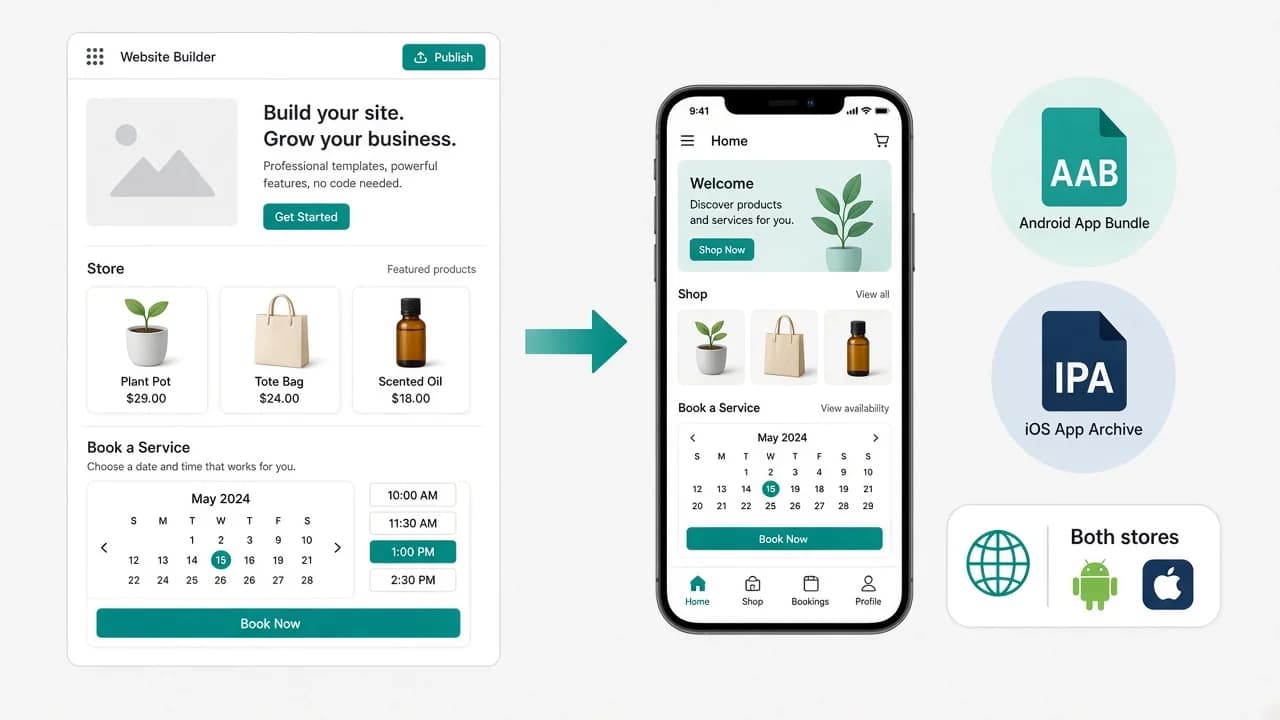 Tutorials
Convert Wix to a Mobile App in 2026 (No Rebuild, Both Stores)
Turn your Wix site into Android and iOS apps without rebuilding in native code or paying Wix Mobile App Premium forever. Free demo at 0 credits, pay-once AAB and IPA, your own Play and App Store accounts.
WebToApp Team