Website to Android App (AAB) for Google Play in 2026

WebToApp Team
Product
You searched for website to android app or convert website to android app because you want your existing site in Google Play — with a real installable app, not just a bookmark. In 2026 that means a signed Android App Bundle (AAB), your own Play Console account, and (for many new personal accounts) a closed-testing gate before production goes public.
This guide is Android-only and goes deeper than our cross-platform posts. For the full Android + iOS decision tree, start with How to Turn a Website Into an App in 2026 (https://www.webtoapp.app/blog/how-to-turn-website-into-app-2026). For listing copy, screenshots, and a both-stores timeline, use Publish Your Website to Google Play and the App Store in 2026 (https://www.webtoapp.app/blog/publish-website-to-google-play-app-store-2026). For the iPhone side, read Convert a Website to an iOS App (IPA) Without a Mac (https://www.webtoapp.app/blog/convert-website-to-ios-app-2026). For what is actually free before you buy credits, see Free Website to App Converter? What's Actually Free in 2026 (https://www.webtoapp.app/blog/free-website-to-app-converter-2026).
Brand note: WebToApp.app (pay-once credits, you own the store accounts) is not WebIntoApp.com (free tier carries their branding; Play-ready Dedicated from $89 one-time on their plans page), not WebsiteToApp.app (different Android-focused product), and not webtoapp.design (subscription publishing). Same keywords on Google, different companies.
#Chrome shortcut vs a Google Play listing
Adding your site to the Android home screen from Chrome is fast and free. It is not the same as a Play Store app customers can search for, review, and install with automatic updates through Google Play.
Choose Google Play when you want store discoverability, push notifications through native SDKs, a branded splash and icon in the launcher, and the trust signal of a listing under your developer name. A website-to-AAB converter targets that path: a native shell around your HTTPS URL, signed for your package name, uploaded from your Play Console.
#APK vs AAB — what Google Play actually accepts
An APK is a single installable package. You can sideload it on a phone for QA, share it with a colleague, or test WebView behavior before you touch Play Console. Google Play production releases for new apps expect an Android App Bundle (AAB). Google uses the bundle to generate optimized APK splits per device configuration.
Practical rule: build and test with APK if you want; upload AAB to Play for closed testing and production. WebToApp.app outputs both after a successful Android production build — AAB for Play, APK for on-device checks.
#Signing, upload key, and Play App Signing
Every Play app is signed. With Play App Signing enabled (the default for new apps), you keep an upload key on your side and Google holds the app signing key used for what users install. If you lose the upload key, you can request a reset through Play Console — painful, but not always fatal. If you opt out of Play App Signing, you are responsible for guarding the one key forever.
- Upload key — signs the AAB you upload; you can rotate it with Google's process if compromised.
- App signing key — Google uses it for the APKs users download; you typically never touch this file directly when Play App Signing is on.
- Package name (application ID) — permanent for that listing; pick com.yourbrand.app carefully before your first production upload.
- Optional: bring your own upload keystore in WebToApp's Android tab if your security policy requires it; otherwise the build pipeline can generate signing compatible with Play App Signing.
Mismatch errors usually mean the upload certificate on the AAB does not match what Play Console expects. Fix forward with a new build signed with the registered upload key — not by renaming the package mid-stream.
#The $25 Google Play developer fee
Google charges a one-time registration fee for Play Console (listed as US$25 in Google's developer account help: https://support.google.com/googleplay/android-developer/answer/6112435). That fee goes to Google, not to WebToApp. You need an account in your name (or your organization's) before any public listing — even if someone else builds the AAB for you.
WebToApp does not sell Play Console accounts and does not substitute for your identity verification. We deliver the binary; you own submission, policy answers, and tester management.
#Personal vs organization Play Console accounts
- Personal developer account — tied to an individual Google identity; faster to set up for solo founders and creators.
- Organization account — requires D-U-N-S and business verification; better when the legal seller is a company, you need multiple admin users, or your brand policy demands it.
- Identity verification — Google may ask for government ID and other signals before you can publish; plan a few days if this is your first developer account.
- Android device verification — Google may require signing in on a physical Android device linked to the same account; keep one phone available during setup, not only an iPhone or desktop.
Organization accounts are not automatically easier on policy — they still face the same content, Data safety, and testing rules. Pick the account type that matches who will answer support emails and tax forms.
#Closed testing: 12 testers, 14 days (personal accounts)
If you created a personal Play Console developer account after 13 November 2023, Google requires closed testing before you can apply for production access. Google's requirement overview is here: https://support.google.com/googleplay/android-developer/answer/14151465
- Create your app in Play Console and complete core listing fields (you can refine later).
- Upload your signed AAB to the Closed testing track (not Internal testing for this gate — follow Google's current wording on the production-access page).
- Recruit at least 12 testers who opt in to the closed test and stay opted in continuously for 14 days.
- While the clock runs, keep the test active — removing testers or pausing the track can reset progress.
- After the requirement is met, submit the production access questionnaire in Play Console.
- Google reviews production access; Google documents that this review usually takes up to seven days (same help article family as above).
Not a WebToApp delay
The 14-day tester window is a Google Play policy clock on your developer account. WebToApp can deliver an AAB in minutes after a successful production build; production access still waits on testers and Google's review either way.
#How to recruit and keep 12 testers opted in
Twelve continuous testers sounds small until you realize opt-out, wrong Google account, or an expired invite breaks the streak. Treat this like a mini launch.
- Start with people who already use Android daily — employees, beta customers, community members — not iOS-only colleagues.
- Send the closed-test opt-in link from Play Console; ask each person to confirm they see the app in the Play Store beta section on their phone.
- Use a shared checklist: install → open app → log in once → leave installed for 14 days.
- Pin a calendar reminder on day 10 to ping anyone who has not opened the build.
- Avoid rotating the tester list mid-window; replacements may reset Google's counter.
- If you have fewer than 12 warm contacts, post in a niche community where your product is relevant — offer a clear value prop, not a generic "please test my app" spam.
- Document tester emails in a spreadsheet so you can re-invite them for future releases.
Internal testing tracks are useful for your team, but Google's production-access path for new personal accounts specifically references closed testing with the 12/14 rule — read the live Console copy when you apply, because labels and tracks evolve.
#Store listing, Data safety, content rating, target API
Play review reads your forms as much as your AAB. For a website wrapper, these items cause the most rework:
- Store listing — title, short description, screenshots (phone mandatory), feature graphic, privacy policy URL on a working HTTPS page.
- Data safety form — declare what your website and SDKs collect (WebView cookies, analytics, push tokens if you enable OneSignal). Answers must match reality; mismatches trigger rejections.
- Content rating questionnaire — IARC questionnaire; answer honestly about user-generated content, login, purchases, and ads.
- Target API level — Google raises minimum target API over time for new uploads and updates. WebToApp's Android production builds target API 35 (Android 15) in the current shell configuration — above typical Play minimums at publish time, but always check Google's latest target API policy before you submit.
- App access — if login is required, provide demo credentials in Play Console's app access section so reviewers can open the WebView content.
Screenshot and copy templates for both stores live in https://www.webtoapp.app/blog/publish-website-to-google-play-app-store-2026 — we do not duplicate every field here.
#How WebToApp loads your site on Android
The Android shell uses a native WebView (Flutter integration) around your configured HTTPS URL. Your CMS or SPA remains the source of truth for pages and business logic. The wrapper adds launcher icon, splash screen, branded offline error UI, and optional native modules when you unlock add-ons.
That model passes Play review when the app is more than a bare browser chrome — branded experience, working navigation, and honest metadata. Thin marketing sites still struggle; see the policy discussion in our publish guide rather than assuming a URL alone is enough.
#Push notifications (FCM / OneSignal)
Website-only push in Chrome is not the same as native push after install from Play. WebToApp unlocks OneSignal (which uses Firebase Cloud Messaging on Android) as a one-time 9-credit add-on per app. Setup lives in the dashboard and in our docs: https://www.webtoapp.app/docs/fcm
Turn on the add-on before your production build if you want FCM wired into the binary. Changing push providers or keys later usually means a rebuild (9 credits for subsequent Android rebuilds after the first $39 production — see pricing).
#WebToApp workflow: demo, production AAB, your Play account
- Sign up at https://www.webtoapp.app/signup and paste your HTTPS website URL.
- Run the Android demo at 0 credits — preview in the dashboard or download a demo binary. Demo files expire after seven days and are not Play uploads.
- Set branding (name, icon, splash, theme) on the General tab.
- On the Android tab, set package name and version, then request a production build.
- First Android production costs 39 credits ($39). Credits charge only if the production build succeeds; failed builds refund automatically (https://www.webtoapp.app/pricing).
- Download the signed AAB (and APK for sideload QA) from the dashboard.
- Upload the AAB to your Play Console closed testing track, run the 12/14 gate if it applies, then pursue production access.
- You click Publish in Play Console; WebToApp does not guarantee approval (https://www.webtoapp.app/faq).
#Android cost in 2026 (honest table)
WebToApp prices are pay-once credits from Frontend/types/wallet.ts — not subscriptions. Store fees go to Google.
- Google Play Console registration: $25 one-time (Google).
- WebToApp first Android production build: $39 (39 credits).
- WebToApp Android rebuild: $9 (9 credits) after icon, splash, display name, package, or shell changes.
- WebToApp Android + iOS together: $89 (98 credits) if you want both stores.
- Optional OneSignal / FCM / AdMob unlock: 9 credits once per app.
- Example year-one Android-only floor: $39 + $25 = $64 before tax or currency conversion.
- Example with push add-on: $39 + $9 + $25 = $73.
Full packs and rebuild rules: https://www.webtoapp.app/pricing · Deeper year-one tables: https://www.webtoapp.app/blog/how-much-does-it-cost-to-turn-website-into-app-2026
#Android converter pricing snapshot (October 2026)
Figures below were read from each vendor's public pricing page in October 2026. Confirm before checkout.
- WebToApp.app — $39 first Android build, $9 rebuilds; $89 Android+iOS pack; pay-once credits (https://www.webtoapp.app/pricing).
- Appy Pie — Play publishing support from about $16/app/month on their app-builder pricing page (https://www.appypie.com/app-builder/pricing); store developer fees still separate.
- Median.co — Starter $229 one-time license plus $179/year from month 12; Essential $590 + $399/year (https://median.co/pricing).
- WebIntoApp — free tier shows their company branding; Dedicated plan from $89 one-time includes Play-ready AAB (https://www.webintoapp.com/plans). Not WebToApp.app.
#Free demo vs paid AAB
Logged-in Android demos cost 0 credits. Use Open demo on the dashboard or download demo binaries for device smoke tests. Demo files expire after seven days and are not Google Play uploads. A signed production AAB for closed testing and production requires the $39 Android production build. More on market "free" claims: https://www.webtoapp.app/blog/free-website-to-app-converter-2026
#FAQ
#Can I upload an APK to Google Play instead of an AAB?
For new production releases Google expects AAB. Use APK for sideload testing on your own devices; upload AAB to Play Console for closed testing and production.
#Do I need 12 testers for 14 days?
If your personal developer account was created after 13 November 2023, Google's production-access path includes that closed-testing requirement. Organization accounts and older personal accounts may follow different rules — read https://support.google.com/googleplay/android-developer/answer/14151465 in Play Console when you apply.
#Does WebToApp guarantee Google Play approval?
No. Google makes the final decision on production access and listing policy. We help you produce a technically signed AAB; your content, Data safety answers, and tester history must satisfy Google. See https://www.webtoapp.app/faq
#Do I need a new AAB when I change website content?
Usually no for HTML and CMS changes — the app loads your live URL. You need a new AAB when the native shell changes (icon, splash, display name, package name, target SDK bumps in the wrapper, or unlocked add-ons like push). Rebuilds cost $9 Android after the first production build.
#I also need iPhone — same project?
Yes. One WebToApp project can ship both stores. The both-platforms pack is $89 (https://www.webtoapp.app/pricing). iOS specifics: https://www.webtoapp.app/blog/convert-website-to-ios-app-2026
#Do I need Android Studio?
Not to produce the AAB with WebToApp.app. You still use Play Console in the browser for listing, testing tracks, and release. Android Studio is optional if you want to inspect APKs locally.
Try your URL before you buy credits
Sign up at https://www.webtoapp.app/signup, run the Android demo at 0 credits, then buy production only if the build succeeds: https://www.webtoapp.app/pricing · Push setup: https://www.webtoapp.app/docs/fcm · Store checklist: https://www.webtoapp.app/blog/publish-website-to-google-play-app-store-2026
Related Articles
 Tutorials
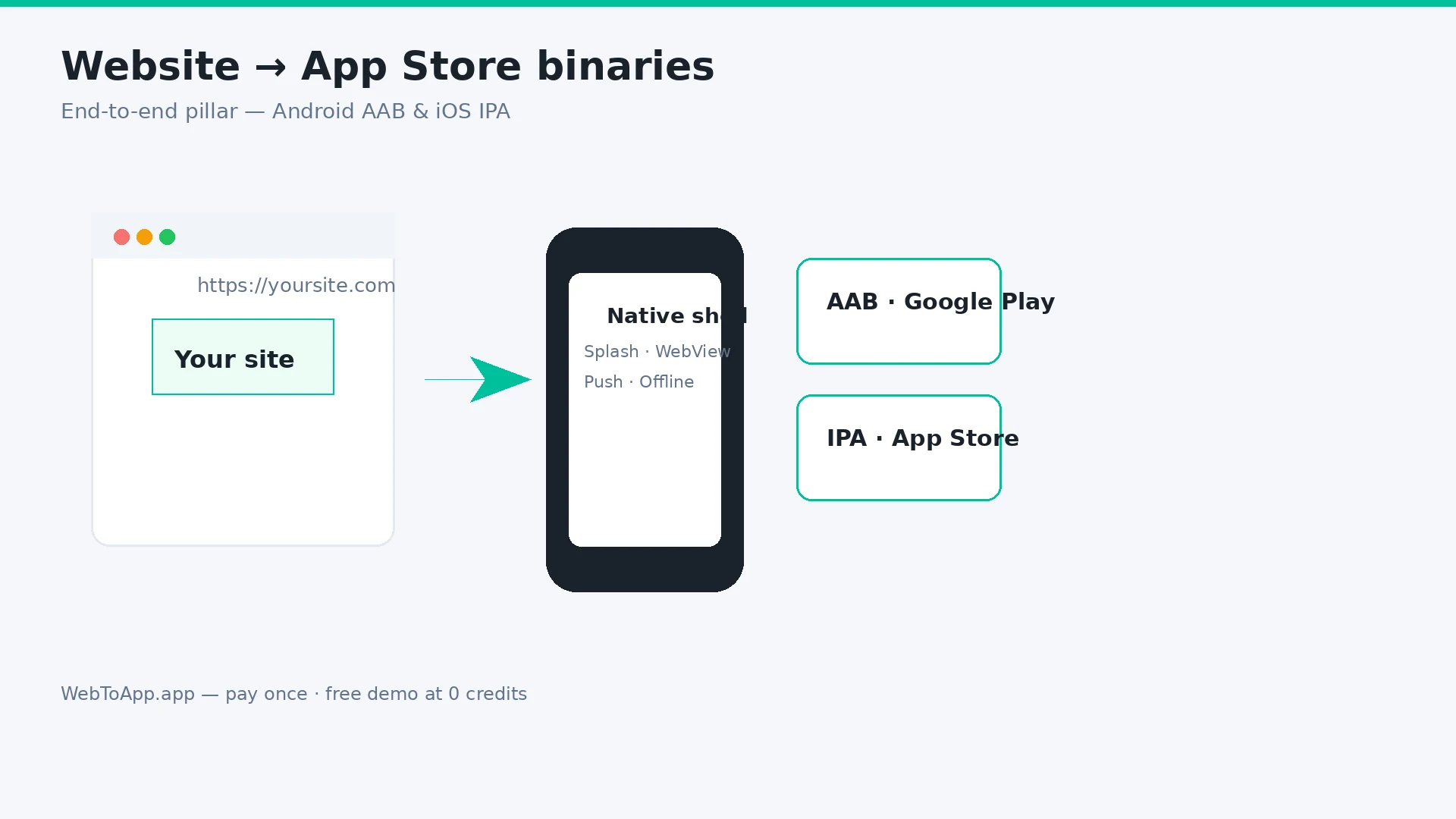
How to Turn a Website Into an App in 2026 (Step-by-Step for Android and iOS)
Vendor-neutral pillar guide: decide if your site belongs in the stores, audit mobile readiness, compare four build routes, then ship with WebToApp.app — free demo at 0 credits, pay-once AAB and IPA, your own Play and Apple accounts.
WebToApp Team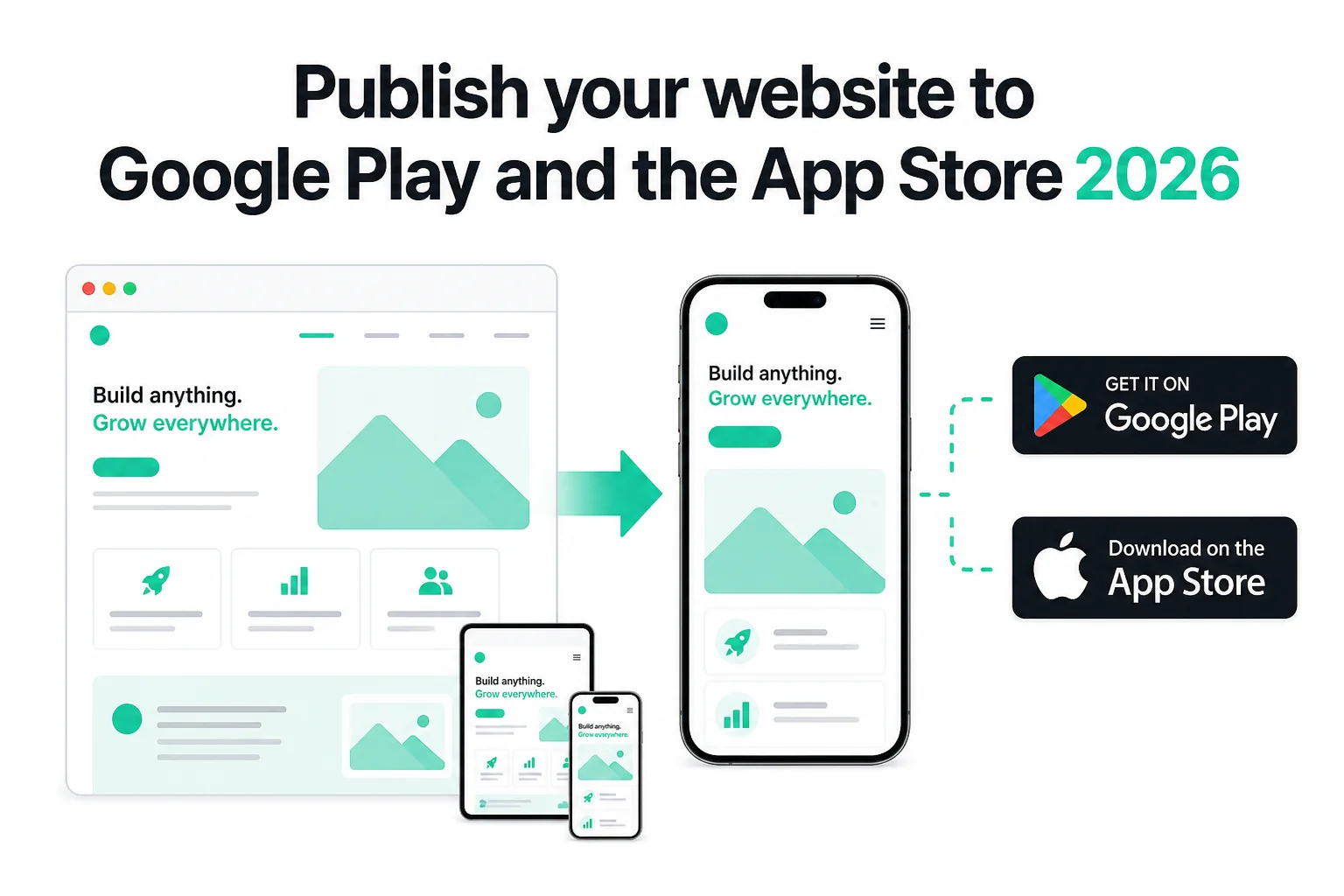 Tutorials
How to Publish Your Website on Google Play and the App Store in 2026 (No Code)
Publish your existing website as Android and iOS apps in 2026 — no Android Studio or Xcode. Get store-ready AAB and IPA files, pass Play closed testing and Apple 4.2, and only pay if the production build succeeds.
WebToApp Team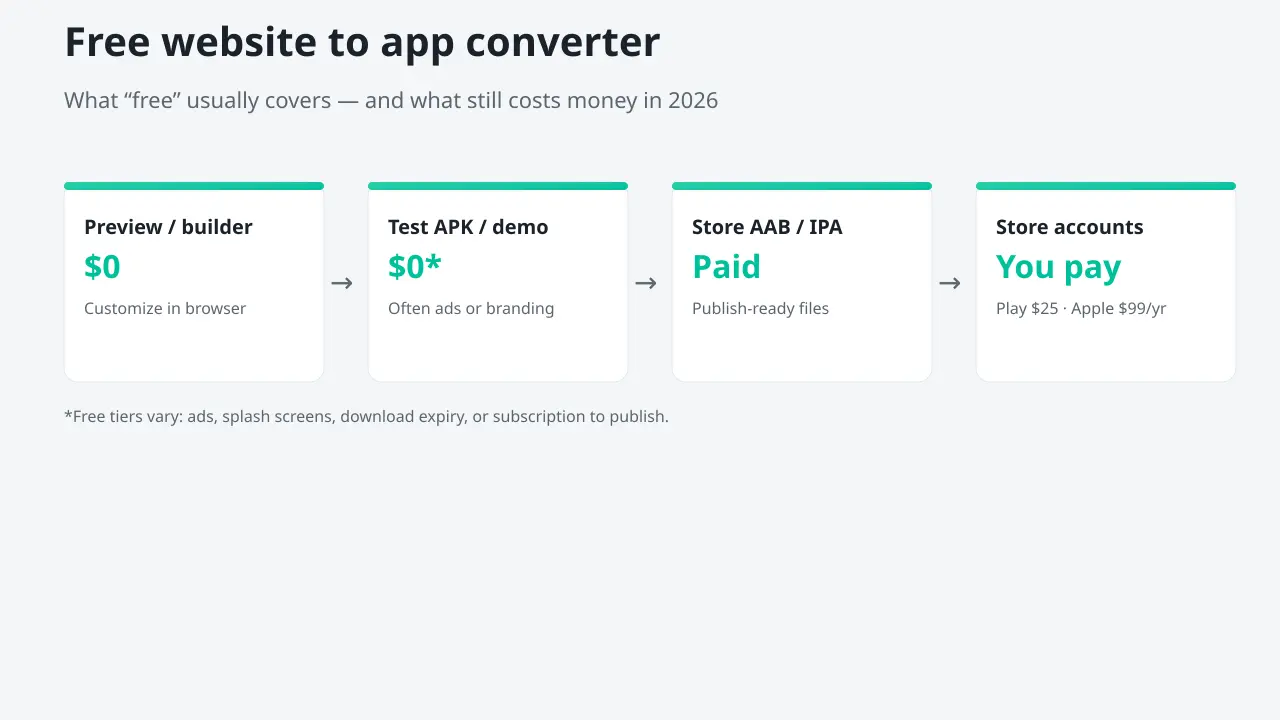 Tutorials
Free Website to App Converter? What's Actually Free in 2026
Most free website-to-app converters let you build and preview for $0, then charge to publish, remove ads, or ship iOS. Honest stage-by-stage breakdown, converter comparison, and how to test Android + iOS free on WebToApp.app before you pay once.
WebToApp Team