Free Website to App Converter? What's Actually Free in 2026

WebToApp Team
Product
You searched for a free website to app converter because you already have a site and you do not want to pay twice — once to wrap the URL and again every month just to keep the listing alive. Fair. The problem is that “free” on a landing page rarely means “free Google Play AAB and signed App Store IPA with your branding, your ads, and your developer accounts.”
This guide is commercial investigation, not a step-by-step build walkthrough. If you want the full how-to, use How to Turn a Website Into an App in 2026 (https://www.webtoapp.app/blog/how-to-turn-website-into-app-2026). If you want year-one spreadsheets and route comparisons, use How Much Does It Cost to Turn a Website Into an App in 2026 (https://www.webtoapp.app/blog/how-much-does-it-cost-to-turn-website-into-app-2026). Here we answer a narrower question: what does “free” actually buy you at each stage, especially for Android APK/AAB and iOS IPA?
We sell WebToApp.app — pay-once credits, free logged-in demo at 0 credits, no subscription. Brand note: WebToApp.app is not WebsiteToApp.app, Appy Pie, WebIntoApp, AppsGeyser, AppMySite, or Choicely. Different companies, different free tiers, different files you receive. We still re-checked competitor claims on their public pages in October 2026; if we could not verify a price on a live page, we left it out.
- Free logged-in Android and iOS demo on WebToApp.app at 0 credits before you buy credits.
- Production pay-once: Android $39, iOS $59, both platforms $89 (98 credits). Subsequent Android $9, subsequent iOS $19.
- Optional add-ons (OneSignal, FCM, AdMob): 9 credits each per app, one-time unlock.
- Credits charge only if a production build succeeds; failed production builds refund. Credits never expire. No monthly fee.
- You publish with your own Google Play ($25 one-time) and Apple Developer ($99/year) accounts. iOS production needs App Store Connect API credentials in the dashboard.
- Outputs: APK + AAB for Android; signed IPA for iOS. Nobody can guarantee store approval — thin sites risk Apple Guideline 4.2.
Try before you trust the word free
Paste your HTTPS site at https://www.webtoapp.app/signup and open the demo on Android and iOS at 0 credits. If checkout, login, or navigation breaks on a phone today, no converter pricing will fix it. Live pricing: https://www.webtoapp.app/pricing
#What a free website to app converter usually includes
Most web to app converter products split the journey into the same buckets. Free tiers almost always stop before you get files you would confidently upload to Google Play Console or App Store Connect under your own brand.
- Dashboard preview — paste a URL, see a phone frame, tweak colors or icon. Often $0 and no credit card.
- Downloadable test binary — APK on Android is common; sometimes AAB. May include the vendor’s ads, splash screen, or watermark.
- Store-ready signed build — AAB for Play, IPA for Apple. Usually paid, subscription, or one-time upgrade.
- Branding and monetization control — remove vendor ads, use your AdMob, custom splash. Typically paid.
- Store listing ownership — some “free” paths publish under the vendor’s account or a shared listing. Read the license.
A free web to app builder is still valuable when you use it to answer one question: does my mobile site feel like an app inside a native shell? If the answer is no, fix the site (or pick a different route) before you pay anyone.
#Convert website to app free: where the paywall shows up
Search queries like website to app free or convert website to app free are really asking “which step costs money?” Here is the honest map. Numbers are list prices from vendor sites we could verify — always confirm before checkout.
#Website to Android app for free (APK, AAB, and Play)
Android is where free website to APK offers concentrate. AppsGeyser markets a free app maker with basic features at no cost and APK download for testing (https://appsgeyser.com/). WebIntoApp’s free tier builds an Android app with their advertisement, release APK plus App Bundle, seven-day backup for downloads, and MIT license terms for that free tier (https://www.webintoapp.com/). Appy Pie’s converter page states steps 1–4 — convert, preview, customize, test — are free, with publishing on a paid plan from about $16 per app per month plus store accounts (https://www.appypie.com/convert-website-to-mobile-apps).
Even when the APK or AAB is free, Google Play is not. You still need your own Play Developer account ($25 one-time, paid to Google). For what to do after you have an AAB, see Publish Your Website to Google Play and the App Store in 2026 (https://www.webtoapp.app/blog/publish-website-to-google-play-app-store-2026).
Free APK ≠ free product
A free APK can ship with the converter’s AdMob banner, a mandatory splash, or a package name you do not control. That may be fine for a school project; it is a bad surprise for a brand launching on Play.
#Website to iOS app (IPA) for free — and “web to IPA” reality
Queries like website to ios app, website to ipa converter free, and web to ipa are harder to satisfy honestly. Apple expects a signed IPA tied to your Apple Developer Program membership ($99/year, paid to Apple). Few converters hand you a free, signed, store-ready IPA the way they hand out Android APKs.
AppsGeyser’s FAQ states it primarily builds Android apps and can help convert to iOS upon request — not a one-click free IPA in the dashboard (https://appsgeyser.com/). WebIntoApp’s dedicated tier includes iOS source code you compile on a Mac with Xcode; that is not the same as a free IPA download (https://www.webintoapp.com/). Appy Pie advertises Android and iOS builds in the converter flow, but publishing to the stores is on a paid plan from about $16 per app per month on the same page we cited above.
On WebToApp.app you can run a free logged-in demo on iOS at 0 credits — useful to see your site in a shell and download an iOS demo file for device testing. Demo files expire after seven days, are not store uploads, and are not the same as production. A signed IPA for App Store Connect is the $59 iOS production build (plus Apple’s annual fee), and you supply App Store Connect API credentials for production. We do not promise approval; wrapper apps with thin content can fail Guideline 4.2. For when a wrapper beats a PWA, read PWA vs Native Wrapper for Website to App in 2026 (https://www.webtoapp.app/blog/pwa-vs-native-wrapper-website-to-app-2026).
#Website to app converter comparison (free tier vs what you pay for)
Use this as a starting point, not a contract. Pricing changes; verify on each site before you buy.
- Appy Pie — Free: convert, preview, customize, test on their website to app converter page. Paid: publishing from about $16 per app per month (same page). Store fees separate.
- AppsGeyser — Free: build and download Android APK; premium plans from $58/month on their pricing page. iOS conversion offered as a paid service, not free self-serve IPA.
- WebIntoApp — Free Android app with their ads; APK + AAB; seven-day download backup; MIT license on free tier. Dedicated app from one-time $89 on their homepage comparison (no ads, longer backup, commercial license, iOS source).
- Choicely — Free to build and preview with monthly credits (150 credits/month plus signup bonus on their pricing page). Premium $25/month and Business $50/month for larger credit pools and publishing features.
- AppMySite — Start for free, no credit card on their pricing page; subscription plans to publish (pricing table loads in their app — confirm before checkout).
- WebToApp.app — Free logged-in demo Android + iOS at 0 credits. Pay-once production: $39 Android, $59 iOS, $89 both; add-ons 9 credits each. No subscription.
#What to check before you trust a free converter
Copy this checklist into your notes when you evaluate any free website to app builder:
- Ads: whose AdMob unit runs — yours or theirs?
- Splash / branding: do users see the vendor logo on every cold start?
- License: MIT “free app” vs commercial use on paid tier?
- Download expiry: will the APK link die in seven days?
- Package name and keystore: can you export signing keys you own?
- iOS output: demo only, source code only, paid service, or signed IPA?
- Store listing: submitted under your Play / App Store accounts or theirs?
#Is WebToApp free? (WebToApp free demo vs production)
Yes — for evaluation. After signup you can open an Android and iOS demo at 0 credits, see your site in the dashboard phone frame, and optionally download demo binaries. Demo files are not store builds; they expire after seven days. You can request new demos without spending credits.
Production is pay-once: $39 first Android build, $59 first iOS build, or $89 for both in one pack. Credits deduct only when that production build succeeds. Optional OneSignal, FCM, or AdMob unlock costs 9 credits once per app. There is no monthly subscription to keep the app online after you publish — you only pay again when you need a new native shell (icon, splash, name, add-ons). Full numbers and packs: https://www.webtoapp.app/pricing
#FAQ: free website to app converter
#Is there a truly free website to app converter?
Yes — if you define “converter” as paste URL, preview, and maybe download a test APK. Several tools do that at $0. No — if you need a signed Play AAB and App Store IPA under your brand, with your ads and your store listings, without ongoing subscription. That almost always costs money somewhere, plus Google’s $25 and Apple’s $99/year paid directly to the stores.
#Can I convert a website to an iOS app (IPA) for free?
Rarely as a finished signed IPA. Some tools give iOS source code or a paid conversion service; many are Android-first. WebToApp.app lets you test iOS in a free demo at 0 credits, but a store-ready signed IPA is the $59 iOS production build, and you still pay Apple’s developer fee on your own account. Plan for demo on device first, then budget production and review risk (Guideline 4.2).
#Is WebToApp free?
The logged-in demo is free at 0 credits on both Android and iOS. Production builds use credits ($39 / $59 / $89 at list price) and only charge when the build succeeds. Credits never expire and there is no subscription. See https://www.webtoapp.app/faq for refunds, updates, and developer account requirements.
“Treat “free converter” as a trial lane, not a finished store launch. The useful question is what file you get, who owns the listing, and what you pay the day you are ready to publish.”
— WebToApp Team
Next steps
Sign up: https://www.webtoapp.app/signup · Pricing: https://www.webtoapp.app/pricing · Step-by-step pillar: https://www.webtoapp.app/blog/how-to-turn-website-into-app-2026 · Total cost guide: https://www.webtoapp.app/blog/how-much-does-it-cost-to-turn-website-into-app-2026 · Store checklist: https://www.webtoapp.app/blog/publish-website-to-google-play-app-store-2026 · PWA vs wrapper: https://www.webtoapp.app/blog/pwa-vs-native-wrapper-website-to-app-2026
Related Articles
 Tutorials
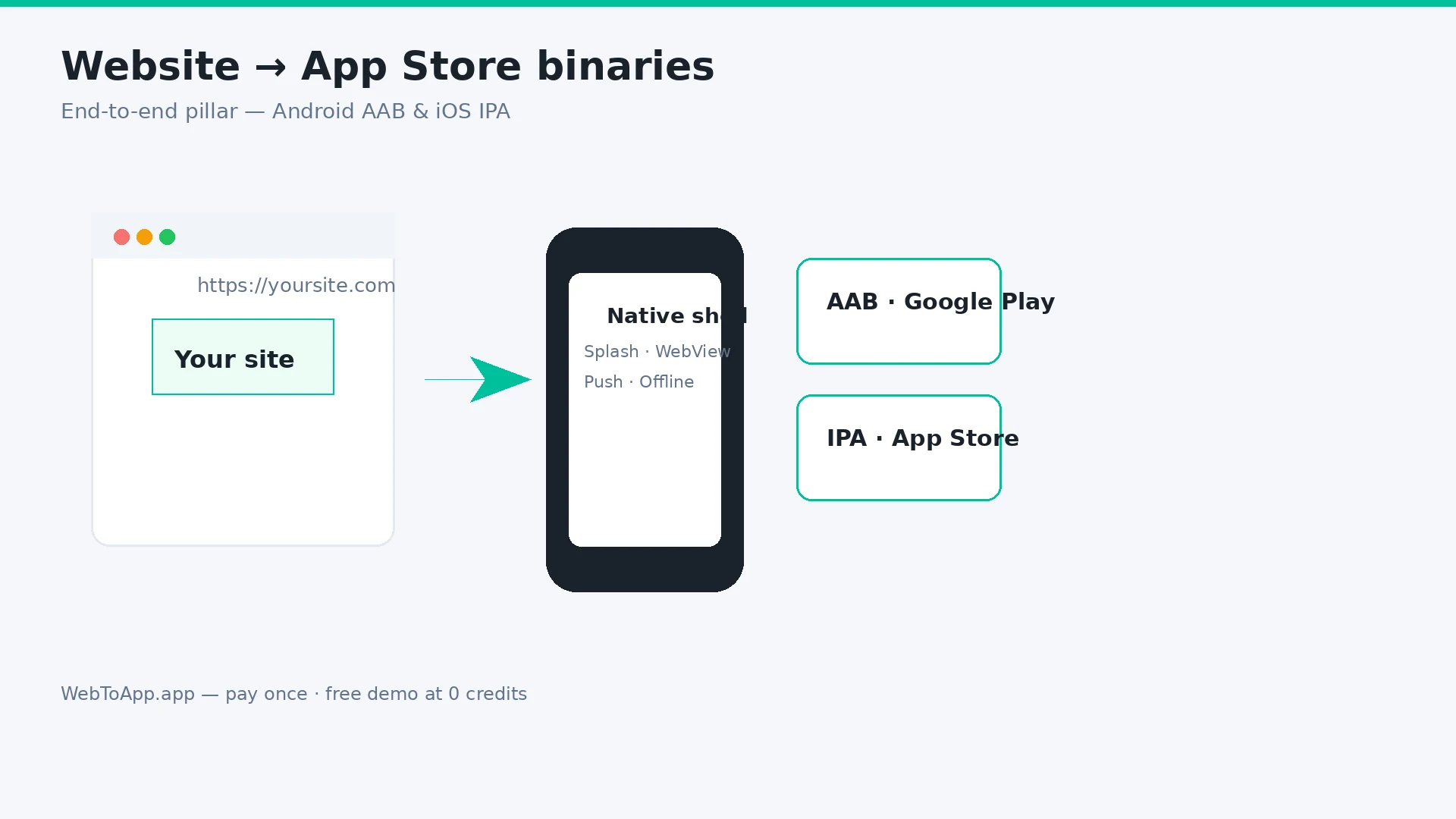
How to Turn a Website Into an App in 2026 (Step-by-Step for Android and iOS)
Vendor-neutral pillar guide: decide if your site belongs in the stores, audit mobile readiness, compare four build routes, then ship with WebToApp.app — free demo at 0 credits, pay-once AAB and IPA, your own Play and Apple accounts.
WebToApp Team Tutorials
How Much Does It Cost to Turn a Website Into an App in 2026?
Honest year-one math for every route — DIY Capacitor, pay-once URL wrappers, subscription publishers, managed services, and native rebuilds. WebToApp.app both-platform example: about $213 first year including Apple and Play fees.
WebToApp Team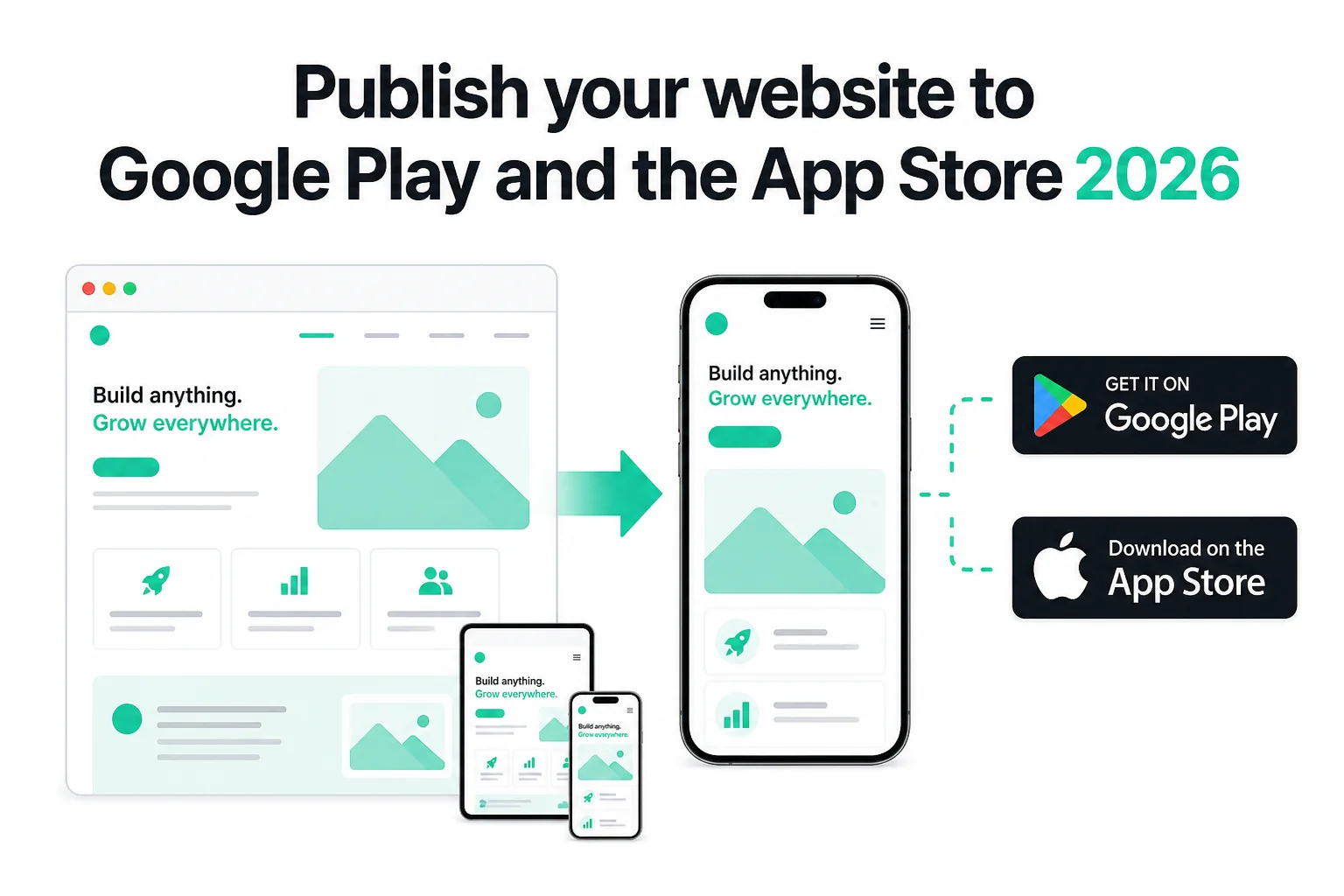 Tutorials
How to Publish Your Website on Google Play and the App Store in 2026 (No Code)
Publish your existing website as Android and iOS apps in 2026 — no Android Studio or Xcode. Get store-ready AAB and IPA files, pass Play closed testing and Apple 4.2, and only pay if the production build succeeds.
WebToApp Team