Convert a Website to an iOS App (IPA) Without a Mac

WebToApp Team
Product
You searched for website to ios app or convert website to ios app because you want your existing site on an iPhone — without buying a Mac, installing Xcode, or learning Swift. That is a realistic goal in 2026 if you separate three things: a home-screen shortcut, a signed IPA file, and a public App Store listing under your own Apple Developer account.
This guide is iOS-only. For the cross-platform pillar (Android + iOS routes, device testing, and when wrapping beats rebuilding), read How to Turn a Website Into an App in 2026 (https://www.webtoapp.app/blog/how-to-turn-website-into-app-2026). For App Store Connect listing screenshots, review notes templates, and 4.2 rejection recovery, use Publish Your Website to Google Play and the App Store in 2026 (https://www.webtoapp.app/blog/publish-website-to-google-play-app-store-2026) — we link there instead of repeating those checklists.
Brand note: WebToApp.app is a different product from websitetoapp.app (Android-focused) and webtoapp.design (subscription publishing). Same words on Google, different companies.
#Add to Home Screen vs a real App Store app
If you only want an icon on your iPhone that opens your site in Safari, you may not need an IPA at all. Apple documents Open as Web App (Add to Home Screen) for pages you visit often — a web app shortcut with optional notifications, not a store listing (https://support.apple.com/guide/iphone/open-as-web-app-iphea86e5236/ios).
Choose a store app when you need discoverability in the App Store, TestFlight distribution to testers, push through native SDKs you configure, or the credibility of a listing customers can search for. A website-to-IPA converter targets that second path: a signed binary tied to your bundle ID, uploaded to App Store Connect, reviewed by Apple.
#What an IPA is — and why APK cannot become IPA
An IPA (iOS App Store Package) is Apple's installable archive for iPhone and iPad. It is built for Apple's ARM ecosystem, signed with certificates from your Apple Developer Program membership, and uploaded to App Store Connect before TestFlight or App Review.
There is no honest website to ipa converter that turns an Android APK into an IPA. APK and IPA are different operating systems, signing systems, and store pipelines. If you already ship on Google Play, you still need a separate iOS production build — same website URL, different binary.
#Why iOS used to require a Mac — and what changes with a cloud build
Historically, the blocker was local tooling. Xcode runs only on macOS. Code signing, provisioning profiles, and archive/export steps all lived on a Mac. Upload options like Transporter are also macOS apps. Apple's own upload documentation lists Xcode, Transporter, and the App Store Connect API as valid paths (https://developer.apple.com/help/app-store-connect/manage-builds/upload-builds).
A cloud build service compiles and signs on Mac infrastructure you do not own. WebToApp.app runs production iOS builds in the cloud: you configure App Store Connect API credentials in the dashboard, and a successful production build delivers a signed IPA plus optional direct upload to App Store Connect (https://www.webtoapp.app/pricing). You still need your own Apple ID with two-factor authentication and an active Apple Developer Program membership ($99/year, paid to Apple — https://developer.apple.com/programs/). You still click Submit for Review in App Store Connect; we do not guarantee approval (https://www.webtoapp.app/faq).
#What you still need on your side
- Apple Developer Program enrollment ($99/year) on the account that will own the listing.
- Bundle ID (App ID) registered in the Apple Developer portal — must match the WebToApp iOS tab exactly.
- App record in App Store Connect with metadata, privacy policy URL, and App Privacy answers.
- App Store Connect API key with Admin access, plus Issuer ID, Key ID, Team ID, and the .p8 private key file (downloadable only once).
- An iPhone or iPad for meaningful TestFlight testing (simulator helps, but reviewers and users are on devices).
- A mobile-ready HTTPS website — login, checkout, and navigation should work in a WebView before you spend credits.
#How WebToApp loads your site (WebKit)
Apple Guideline 2.5.6 requires apps that browse the web to use WebKit (https://developer.apple.com/app-store/review/guidelines/). WebToApp's iOS shell uses WKWebView via Flutter's in-app WebView integration — the same class of approach described in our integration docs. Your site stays the source of truth; the native wrapper adds icon, splash, offline error UI, and optional push or ads when you unlock add-ons.
#Step-by-step: Apple setup, then the WebToApp iOS tab
The full walkthrough with capability screenshots lives in our App Store Connect Setup Guide (https://www.webtoapp.app/docs/ios-setup). Here is the condensed checklist.
#1. Register the App ID (bundle ID)
- Open Certificates, Identifiers & Profiles in the Apple Developer account.
- Create an App ID with an explicit bundle ID (for example com.yourbrand.app).
- Enable capabilities you will use: Associated Domains if your app loads a website URL; Push Notifications and App Groups if you enable OneSignal; follow the guide for the exact App Group name format when push is on.
- Copy the same bundle ID into the WebToApp iOS tab before your first production build.
#2. Create the app in App Store Connect
- In App Store Connect → Apps, create a new iOS app tied to that bundle ID.
- Set name, primary language, SKU, and user access.
- Add privacy policy URL, categories, and App Privacy questionnaire answers before submission.
#3. Create the App Store Connect API key
- Go to Users and Access → Integrations → App Store Connect API.
- Generate a new key named for your build pipeline (for example WebToApp Builder).
- Set access to Admin — required so WebToApp can manage certificates, provisioning profiles, and upload builds (documented in https://www.webtoapp.app/docs/ios-setup).
- Download the .p8 file immediately; Apple lets you download it only once.
- Copy Issuer ID (top of the keys page), Key ID (10 characters), and Team ID from Membership Details.
#4. Paste credentials in WebToApp
Open the iOS tab in your app dashboard. Enter Team ID, Issuer ID, Key ID, and upload the .p8 file. Match bundle ID and app name to App Store Connect. Request a free demo at 0 credits first if you have not already — demo files expire after seven days and are not store uploads (see General tab copy: Binaries expire in 7 days. Not store builds.). When ready, run a production build: first iOS production costs 59 credits ($59); rebuilds cost 19 credits ($19). Credits charge only if the production build succeeds; failed builds refund automatically (https://www.webtoapp.app/pricing).
#What WebToApp does with your API key — and how to revoke it
With Admin API access, WebToApp uses your key to create and refresh distribution certificates and provisioning profiles, enable capabilities such as Associated Domains when your app has a website URL, export a signed IPA, and upload the build to App Store Connect using Apple's supported API route (including the build upload workflow Apple documents at https://developer.apple.com/documentation/appstoreconnectapi/post-v1-builduploads).
Treat the .p8 file like a password. Store it in a password manager. If you rotate or remove access, revoke the key in App Store Connect → Users and Access → Integrations, generate a new key, and update the iOS tab. If a key was revoked while still saved in WebToApp, production builds fail until you upload a new .p8 — our signing flow surfaces that as an authentication error. You can also remove WebToApp's access without deleting your Apple account; apps already on the store keep working.
WebToApp may replace crowded signing certificates on your team when you explicitly choose to reclaim a slot — that revokes the old certificate in your Apple account. Read the prompt carefully before confirming (dashboard Signing Certificate panel).
#TestFlight: internal vs external testers
After upload, the build appears in App Store Connect → TestFlight. Internal testing uses users on your App Store Connect team (up to 100). They can install quickly — good for your own devices and coworkers.
External testing invites up to 10,000 testers by email or public link, but the first build for each external group goes through Beta App Review. Plan a few days for that gate. TestFlight is where you validate login, push, deep links, and airplane-mode behavior before you submit to the App Store. Beta builds must not replace your production listing (Guideline 2.2).
#Apple rules that hit website wrappers
Wrapper apps are allowed when they deliver real utility. These guidelines show up most often for website-to-iOS projects:
- 4.2 Minimum Functionality — Apple rejects apps that are mostly a repackaged website without app-like value (https://developer.apple.com/app-store/review/guidelines/#minimum-functionality).
- 4.2.2 — Marketing sites, bare link collections, or thin aggregators struggle.
- 4.2.6 — Template and white-label services must not submit apps on behalf of clients; the content provider should own the Apple account and submission. WebToApp expects you to publish under your own account.
- 2.5.6 — Use WebKit for web browsing (WKWebView in our stack).
- 4.8 Sign in with Apple — if you offer Google/Facebook login, offer an equivalent Apple login option.
- 5.1.1(v) Account deletion — if users can create accounts in the app, provide in-app account deletion (or a direct web flow Apple accepts).
- Privacy — privacy policy URL on the listing; App Privacy labels must match data your site and SDKs collect (OneSignal, AdMob, analytics).
For review notes wording and what to do after a 4.2 rejection, follow the dedicated section in https://www.webtoapp.app/blog/publish-website-to-google-play-app-store-2026 — not duplicated here.
#Xcode and SDK requirements in 2026
Apple's upcoming requirements page states that uploads must be built with newer Xcode and iOS SDK versions (including Xcode 26 and the iOS 26 SDK from April 2026 onward) and that apps must target at least iOS 13 from September 2026 (https://developer.apple.com/news/upcoming-requirements/). WebToApp's shipped iOS shell currently sets minimum deployment target iOS 15 in the project configuration — above Apple's floor.
Practical takeaway: you do not need to own a Mac to stay current with Apple's SDK cadence, but you do need a build service that compiles with a compliant Xcode. If Apple rejects a build for SDK version, fix forward with a rebuilt IPA — another reason rebuild pricing ($19 iOS) exists.
#Common setup errors (and fixes)
- App ID not found — create the bundle ID in the Developer portal before production; match the dashboard exactly.
- Bundle identifier not available — pick a unique bundle ID; someone else may already own that string.
- Team ID mismatch — copy Team ID from Membership Details, not from unrelated headers.
- Associated Domains / profile errors — enable Associated Domains on the App ID when your app loads a website URL; re-run the build after Apple propagates capabilities (https://www.webtoapp.app/docs/ios-setup).
- App Group missing — OneSignal requires the App Group on both the main app ID and the notification extension ID; follow Step 3 in the setup guide.
- API key auth failures — confirm Admin role, correct .p8, and that the key was not revoked in App Store Connect.
#iOS cost in 2026 (honest table)
All WebToApp prices are pay-once credits, not subscriptions. Store fees go to Apple, not to us.
- Apple Developer Program: $99/year (Apple).
- WebToApp first iOS production build: $59 (59 credits).
- WebToApp iOS rebuild: $19 (19 credits) after icon, splash, name, or native shell changes.
- WebToApp Android + iOS together: $89 (98 credits) if you want both stores.
- Optional OneSignal, FCM, or AdMob unlock: 9 credits once per app.
- Example year-one iOS-only: $59 + $99 = $158 before tax or currency conversion.
Android Play Console ($25 one-time) is separate if you add Google Play later. Full packs: https://www.webtoapp.app/pricing
#iOS converter pricing snapshot (October 2026)
Prices below were read from each vendor's public pricing page in October 2026. Confirm before checkout; we omit brands we could not verify on a live page.
- WebToApp.app — $59 first iOS build, $19 rebuilds; $89 Android+iOS pack; pay-once credits (https://www.webtoapp.app/pricing).
- SiteTo.App — iOS $79, Android $29, both $99 one-time (https://siteto.app/pricing).
- Appilix — iOS Standard $149, Premium $269; combo Android+iOS from $229 (https://appilix.com/pricing).
- Natively — from $19/month or $144/year Essential; lifetime $699 (https://www.buildnatively.com/pricing).
- Median.co — Starter $229 one-time plus $179/year from month 12; higher tiers $590+ (https://median.co/pricing).
- Appy Pie — iOS on Platinum about $60/month plus Apple fee (https://www.appypie.com/convert-website-to-ipa-ios).
- WebIntoApp — dedicated tier from $89 one-time but iOS is source code you compile on your own Mac (https://www.webintoapp.com/plans).
- Glideep — Starter $19/month one platform; Pro $39/month Android+iOS (https://glideep.com/pricing).
- webtoapp.design — from $59/month billed annually on their pricing page (https://webtoapp.design/pricing) — not WebToApp.app.
#Free demo vs paid IPA
Logged-in Android and iOS demos cost 0 credits. Use Open demo on the dashboard to preview in the phone frame, or download demo binaries for device testing. Demo files expire after seven days and are not App Store uploads. A signed production IPA for TestFlight and App Store Connect requires the $59 iOS production build and your API credentials. More on free tiers across the market: https://www.webtoapp.app/blog/free-website-to-app-converter-2026
#FAQ
#Can I convert a website to an iOS app without a Mac?
Yes for WebToApp.app production builds: signing and upload happen in the cloud once you supply Apple Developer membership and App Store Connect API credentials. You may still use a Mac with Transporter or Xcode if you prefer manual upload — optional, not required.
#Is there a free website to IPA converter?
You can test for free at 0 credits, but a store-ready signed IPA is a paid production build ($59 list) plus Apple's $99/year program. Treat free IPA promises skeptically if they skip signing or your Apple account.
#Does WebToApp guarantee App Store approval?
No. Apple makes the final decision. We help you produce a technically signed IPA and upload it; your content must satisfy Guideline 4.2 and related rules. See https://www.webtoapp.app/faq
#Do I need to resubmit when I change website content?
Usually no for HTML and CMS changes — the app loads your live URL. You need a new IPA when the native shell changes (icon, splash, display name, bundle ID, or unlocked add-ons like push). Rebuilds cost $19 iOS after the first production build.
#Windows or Chromebook only — can I still ship iOS?
Yes. The dashboard and Apple portal steps run in the browser. Production compilation and signing run on WebToApp's Mac build infrastructure, not on your laptop OS.
Try your URL before you buy credits
Sign up at https://www.webtoapp.app/signup, run the iOS demo at 0 credits, then follow https://www.webtoapp.app/docs/ios-setup before requesting production. Pricing: https://www.webtoapp.app/pricing · Store checklist: https://www.webtoapp.app/blog/publish-website-to-google-play-app-store-2026
Related Articles
 Tutorials
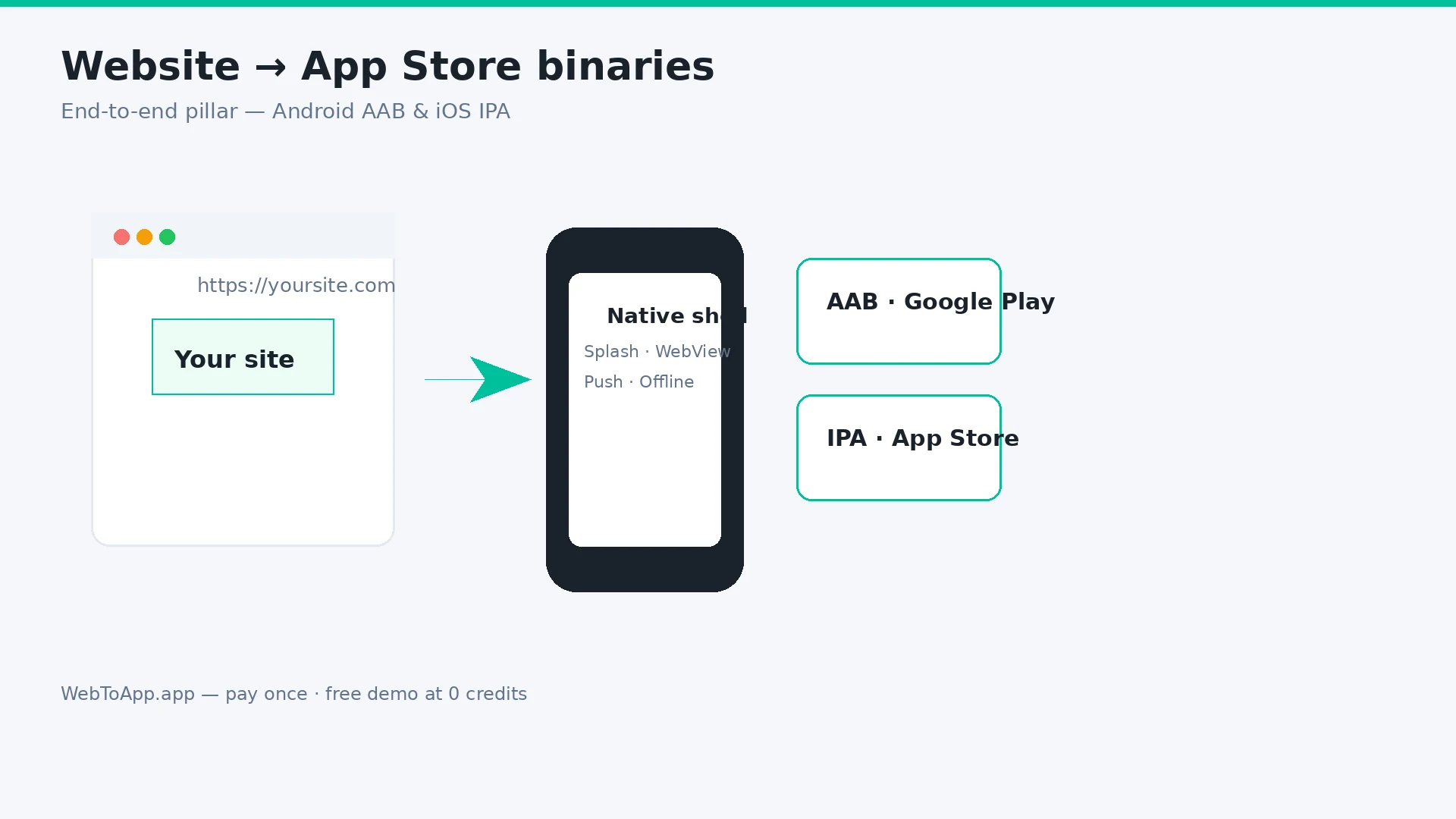
How to Turn a Website Into an App in 2026 (Step-by-Step for Android and iOS)
Vendor-neutral pillar guide: decide if your site belongs in the stores, audit mobile readiness, compare four build routes, then ship with WebToApp.app — free demo at 0 credits, pay-once AAB and IPA, your own Play and Apple accounts.
WebToApp Team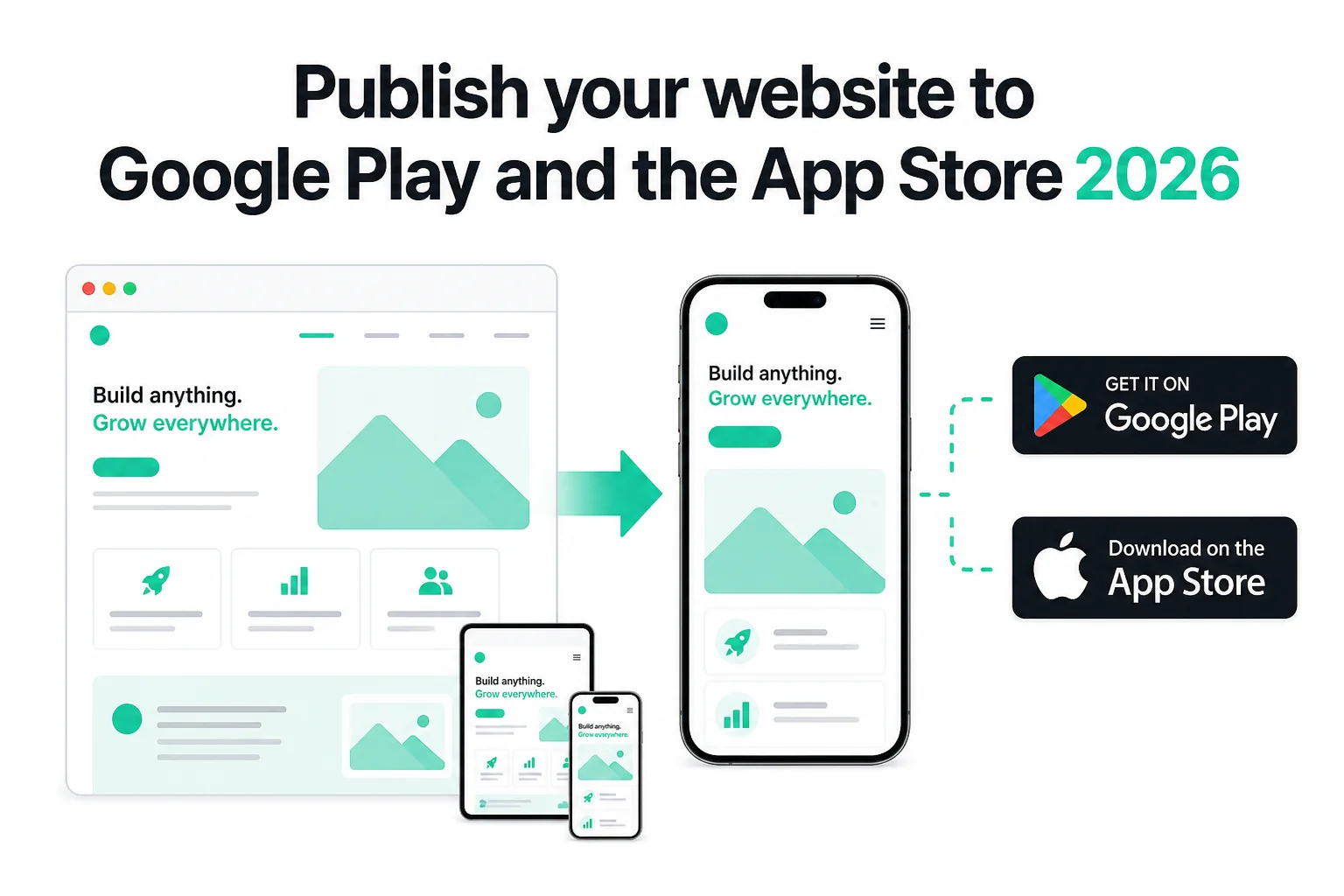 Tutorials
How to Publish Your Website on Google Play and the App Store in 2026 (No Code)
Publish your existing website as Android and iOS apps in 2026 — no Android Studio or Xcode. Get store-ready AAB and IPA files, pass Play closed testing and Apple 4.2, and only pay if the production build succeeds.
WebToApp Team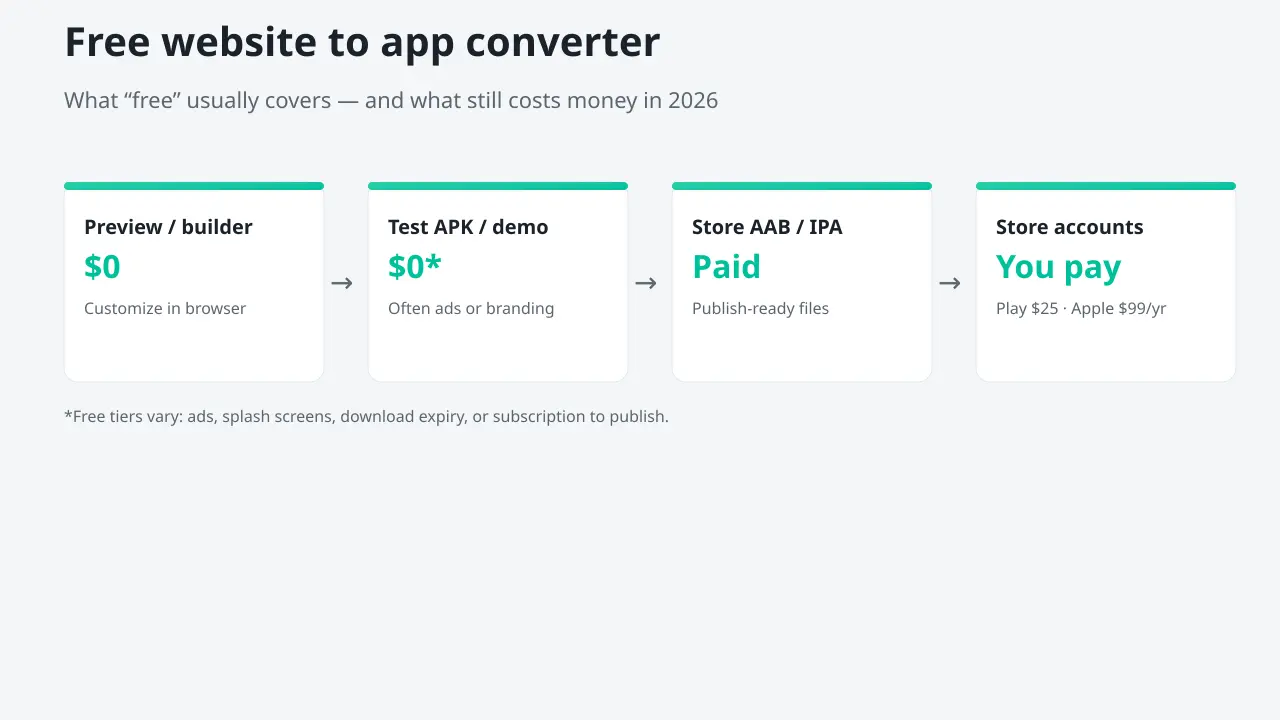 Tutorials
Free Website to App Converter? What's Actually Free in 2026
Most free website-to-app converters let you build and preview for $0, then charge to publish, remove ads, or ship iOS. Honest stage-by-stage breakdown, converter comparison, and how to test Android + iOS free on WebToApp.app before you pay once.
WebToApp Team