Convert Framer to a Mobile App in 2026 (No Rebuild, Both Stores)

WebToApp Team
Product
Framer publishes polished marketing sites, product pages, and interactive prototypes to HTTPS URLs you can share in any browser. That is not the same thing as an Android App Bundle or an IPA on Google Play and the App Store. Framer’s canvas, components, and publish pipeline optimize for the web — there is no native AAB or IPA export tucked inside the editor for your own developer accounts.
Search convert framer to mobile app and you will see Webvify-style plugins, SaasToStore and Nokib03 walkthroughs, and generic “website to app” landing pages. Most assume either a monthly wrapper subscription or a full native rebuild. Many Framer projects only need a store listing, home-screen icon, and optional push — when the published site already works on a phone.
This guide is the pay-once URL-wrapper path with WebToApp.app: paste your Framer published HTTPS URL, open a free demo at 0 credits, then download signed AAB and IPA files you submit with your own Play Console and Apple Developer accounts. No Framer plugin. No React Native rebuild. Live Framer publishes keep updating the app without a store resubmit.
- Brand is WebToApp.app — not WebsiteToApp.app, Appy Pie, Median, Webvify, or Nokib03 (different products, different pricing models).
- Free Android and iOS demo at 0 credits before you pay.
- Pay-once production: Android $39, iOS $59, both $89. Add-ons (OneSignal, FCM, AdMob) $9 once per app.
- Credits charge only if production succeeds. Failed builds auto-refund.
- You submit with your own Play ($25 one-time) and Apple Developer ($99/year) accounts. No store-approval guarantee — Apple Guideline 4.2 and Play policy still apply.
Try your published URL before buying credits
Paste your live HTTPS URL (custom domain strongly preferred over default *.framer.app or *.framer.website for production) at signup, open the free demo, and walk forms, membership gates, and checkout the way a reviewer will. Start here: https://www.webtoapp.app/signup · Pricing: https://www.webtoapp.app/pricing
#Four ways to get a Framer site onto phones (and when each wins)
Framer teams usually land on one of four architectures. Picking the wrong one is how you pay monthly wrapper fees for a one-page launch site — or ship a thin WebView shell when the product needed a true native rebuild.
- Stay a PWA — add to Home Screen, install prompts in Chrome. Free and fast. You do not get a Play or App Store listing, and iOS PWA limits still bite push and discovery. Fine for prototypes; weak when marketing wants store badges.
- DIY Capacitor (or Cordova-class) — export or mirror your site into a native project, open Android Studio and Xcode, manage plugins and signing yourself. Full control, real dev time, and you own every breakage when scroll-jacking, video embeds, or third-party scripts misbehave in WebView.
- Subscription / license wrappers (Median-class, Webvify-style services, and similar) — wrap the live site, add bridge plugins, pay activation plus annual renewals. Best when you want their plugin catalog and ongoing platform support; budget for recurring fees on top of store accounts. Compare live vendor pricing — tiers move.
- Pay-once URL wrapper (WebToApp.app) — your live published HTTPS URL inside a native splash, WebView, optional push, branded offline retry. Outputs signed AAB + APK and IPA. Content updates on Framer publish without a store resubmit; icon, splash, name, and add-ons need a rebuild.
Deeper read on wrapper vs installable web: PWA vs Native Website Wrapper for App Stores in 2026 (https://www.webtoapp.app/blog/pwa-vs-native-wrapper-website-to-app-2026). Sibling design-tool guide: Convert Webflow to a Mobile App (https://www.webtoapp.app/blog/convert-webflow-to-mobile-app). AI-builder sibling: Convert Lovable to a Mobile App (https://www.webtoapp.app/blog/convert-lovable-to-mobile-app).
#When a Framer URL wrapper is enough — and when you need DIY or a rebuild
#A URL wrapper fits when…
- Your published site is already responsive — breakpoints, nav, forms, and CMS-driven pages work at phone width in Safari and Chrome.
- Membership, ecommerce, or Framer Forms post to backends on the web; the mobile shell loads your HTTPS UI like a focused browser without a URL bar.
- You want Play and/or App Store discovery, a home-screen icon, and optional native push for launches and re-engagement.
- You ship updates by publishing in Framer; editors should not resubmit to Apple and Google for every copy or CMS tweak.
- You would rather pay once ($39 / $59 / $89) than carry subscription wrapper licenses forever for a site that is already the product.
#Reach for Capacitor DIY or a native rebuild when…
- Core UX depends on native navigation, gesture-heavy UI, or offline-first local data that a WebView cannot honestly deliver.
- You need deep hardware access (Bluetooth, background location, advanced camera pipelines) as the primary reason users install.
- Digital goods sold inside the iOS app require a first-class In-App Purchase implementation — a thin wrapper around web checkout is a Guideline 3.1 risk.
- You are building a separate native product that only shares branding with a Framer marketing site — not the Framer site itself as the store listing.
Honest middle ground: wrap the live Framer URL first to validate store demand and retention, then invest in Capacitor or native if metrics justify it. Many launch sites and portfolio pieces never need step two.
#Framer-specific gotchas competitors underplay
- No store binaries from Framer — publish gives you a website URL, not an AAB or IPA under your Play or Apple accounts. Wrappers and converters exist because the editor does not ship store files.
- Default hosting URLs — production listings should use a custom domain you control, not only *.framer.app or *.framer.website. Demos can use Framer subdomains; reviewers and customers expect stable branding on your domain.
- Breakpoints and CMS collections — Framer can look perfect on desktop and still clip or overflow at 390px. Collection list/detail pages need phone QA on the published URL, not only the desktop preview.
- Interactions and animations — scroll transforms, hover states, and component variants often behave differently in mobile Safari, Chrome, and in-app WebViews. Verify hero animations and sticky nav in Open demo, not only in Framer’s preview.
- Forms, memberships, and ecommerce — Framer Forms, member areas, and checkout flows must be exercised end-to-end in the demo. Payment redirects and cookies fail in WebViews more often than in desktop Chrome.
- Thin marketing one-pagers — a single scroll landing with no depth behind it is a classic Apple Guideline 4.2 rejection. Competitors sell “app in minutes”; stores still ask whether the install is more than a bookmark.
- No WebToApp.app Framer plugin — paste the public published HTTPS URL. Third-party Framer marketplace plugins are separate products with their own subscriptions.
#Framer pre-flight checklist (fix these before production credits)
Most failed app launches are site problems wearing an app icon. Run this on your published URL — not only the Framer canvas — before you spend credits.
- Published HTTPS on a custom domain when possible. Demo on *.framer.app or *.framer.website; ship production on the domain users trust.
- Phone-width QA on real iOS Safari and Android Chrome — then repeat inside Open demo. Hit every breakpoint you ship.
- CMS collection pages — open list and detail routes; empty states and pagination must work without hover.
- Interactions — test scroll-linked motion and overlays; disable or simplify anything that stutters or traps scroll in WebView.
- Forms and membership — submit a real test entry; put demo credentials in Play Console and App Store Connect review notes if anything is gated.
- Ecommerce or checkout — confirm behavior matches Apple and Google rules for your product type (physical vs digital).
- Cookie and consent banners must not permanently cover CTAs or block taps.
- Privacy policy URL that matches analytics, forms, and auth. Link it in the app and both store listings.
- 1024×1024 PNG app icon ready for store builds (no alpha for Apple). Favicon is enough for the free demo only.
- Real content depth — portfolio + blog, product docs, logged-in area, or substantive CMS — not a lone hero and footer. Guideline 4.2 and Play minimum-functionality policy still apply.
Password or member gates
Reviewers will not invent accounts for you. Put working demo credentials in review notes, or keep a public path deep enough that Guideline 4.2 does not treat the shell as empty.
#Sync honesty: live Framer publishes vs shell rebuild
With WebToApp.app, the app loads your live published URL. When you publish in Framer — new CMS item, copy change, fixed breakpoint on the same origin — the next open of the app shows it. You do not resubmit to Play or Apple for routine content changes that appear on that URL.
- No store resubmit: Framer publish, page and CMS changes on the live HTTPS URL, forms and backends your site already calls.
- Needs a rebuild (+ store update): app icon, splash, display name, OneSignal/FCM keys, AdMob, package identifiers.
- Motion and embeds: if it works in mobile Chrome/Safari on the published URL, it usually works in the WebView — still verify in Open demo. Heavy scroll effects and some analytics scripts are the usual breakage points.
- No converter — WebToApp.app included — can promise Apple or Google approval. Policy compliance is yours: content depth, metadata, privacy labels, auth and checkout behavior.
Framer plugin?
WebToApp.app does not install a Framer plugin or marketplace app. Paste the public published HTTPS URL. Subscription wrappers and Framer-specific SaaS tools are separate products with their own setup and ongoing cost.
#Convert Framer with WebToApp.app (step by step)
#1. Sign up and open the free demo
- Create an account at https://www.webtoapp.app/signup.
- Create an app and paste your published Framer HTTPS URL (custom domain preferred).
- We fetch favicon and title when we can. Replace both before store builds.
- On General, tap Open demo. Android and iOS demo builds queue at 0 credits.
- Walk home, CMS pages, a form, membership or checkout — the way an App Review team will.
Ask one question: does this feel like using an app, or like a desktop canvas squeezed into a phone? If nav, forms, or interactions fail here, fix the published site before spending credits. Product tour: Getting Started with WebToApp (https://www.webtoapp.app/blog/getting-started-with-webtoapp).
#2. Branding reviewers see first
- App name: short and specific. Apple caps at 30 characters and rejects keyword stuffing.
- Icon: 1024×1024 before a store build. Play listing also wants 512×512.
- Splash: first native frame customers see — not a screenshot of the Framer editor UI.
- Theme colors: match your site chrome (#00C09A is WebToApp.app’s brand teal; use your palette).
#3. Optional push (and why it matters for review)
A bare URL bar in a WebView is the classic Apple 4.2 failure mode — especially for thin marketing shells. Native extras do not guarantee approval — but they are what you can point at in review notes.
- OneSignal or FCM push — $9 once per app. Strong for launches, reminders, and re-engagement.
- Branded offline retry — built into the shell. Reviewers airplane-mode test. It is not an offline clone of your CMS.
- AdMob — $9 once, only if ads already belong on the site. Do not bolt ads onto a thin brochure.
Push is a 4.2 lever, not a guarantee
Icon plus splash alone rarely satisfy Guideline 4.2. Push, offline retry, and app-like chrome (no browser URL bar) help — but your Framer site still has to be a real product. Full store checklist: How to Publish Your Website on Google Play and the App Store in 2026 (https://www.webtoapp.app/blog/publish-website-to-google-play-app-store-2026).
#4. Production build — when credits charge
When the demo looks right, run Production on Android and/or iOS. Credits move only if that production build succeeds. Failed production refunds automatically. Demo files stay free and are not store binaries.
- Android: first build 39 credits ($39), rebuilds $9. Signed AAB for Play plus APK for device testing.
- iOS: first build 59 credits ($59), rebuilds $19. IPA for TestFlight / App Store Connect.
- Both-platforms pack: $89 when you know you will ship both stores.
#What happens after you download AAB and IPA
WebToApp.app does not submit on your behalf. You upload with your own Google Play and Apple Developer accounts — that matches Apple Guideline 4.2.6 expectations that the content owner submits.
- Google Play: upload the AAB (not the APK) to a testing track. Personal accounts created after 13 Nov 2023 usually need closed testing — 12 testers opted in continuously for 14 days — before production access.
- Apple: upload the IPA, complete listing and privacy nutrition labels, TestFlight, then App Review. Guideline 4.2 rejects thin URL-only shells.
- Cost context: How Much Does It Cost to Turn a Website Into an App in 2026? (https://www.webtoapp.app/blog/how-much-does-it-cost-to-turn-website-into-app-2026).
No store-approval guarantee
We generate signed binaries, a native shell with optional push and offline retry, and a free demo. Policy compliance is yours — content depth, metadata, Play Data safety, App Privacy details, auth and checkout behavior. FAQ: https://www.webtoapp.app/faq
#Year-one cost: WebToApp.app pay-once vs subscription wrappers
- WebToApp.app Android only: $39 + $25 Play = $64, or $73 with push add-on.
- WebToApp.app both stores: $89 + $25 Play + $99 Apple = $213, or $222 with push.
- WebToApp.app iOS only: $59 + $99 Apple = $158.
- Year two: Apple $99 if you keep iOS. WebToApp.app $0 unless you rebuild ($9 Android / $19 iOS) or add another add-on.
- Subscription wrapper models (Median-class, Webvify-style tools, and similar): platform activation and/or monthly or annual renewals on top of Apple ~$99/year and Google Play $25 one-time — compare demos and file ownership on each vendor site.
- DIY Capacitor: no platform fee to WebToApp.app, but real engineer time for Xcode, Gradle, plugins, and every store rejection you debug yourself.
- Live Framer publishes go live without a store resubmit. Rebuild the shell only when icon, splash, name, or add-ons change.
The tradeoff is lock-in and services, not magic. Subscription wrappers buy ongoing bridge plugins and support. WebToApp.app buys store-ready binaries at pay-once economics when your responsive Framer published site is already good enough.
#FAQ
#Do I need a Framer plugin for WebToApp.app?
No. Paste your public published HTTPS URL. Framer marketplace plugins and subscription wrappers are separate stacks with their own setup — different architecture, different ongoing cost.
#Will Framer interactions work in the app?
Often yes if they work in mobile Safari and Chrome on the published URL — but scroll-linked motion, video backgrounds, and embeds behave differently in WebViews. Test every hero and sticky section in Open demo before production.
#Can I use *.framer.app or do I need a custom domain?
Framer subdomains work for demos and internal testing. Production store listings usually look more credible on a custom domain you control — and you are less exposed if default hosting URLs change. Connect your domain in Framer, verify HTTPS, then paste that URL into WebToApp.app.
#What about digital goods and Apple Guideline 3.1?
Physical goods and services checkout in a WebView often pass review when the app is substantial. Digital goods sold inside the iOS app generally require In-App Purchase. A Framer checkout page inside a wrapper is not a substitute for IAP when Apple treats your product as digital content consumed in-app.
#How is WebToApp.app different from WebsiteToApp.app, Webvify, or DIY Capacitor?
All can put your business on mobile. WebToApp.app focuses on store-ready output: free logged-in demo at 0 credits, pay-once production credits ($39/$59/$89), signed AAB and IPA for both stores, optional OneSignal/FCM, and credits charged only on successful builds. WebsiteToApp.app is a different brand. Webvify and similar Framer plugins use their own subscription models inside the editor. Capacitor DIY is free software but not free time. Compare demo quality, pricing model, who owns binaries, and who submits to the stores before you buy.
#Do I need Android Studio or a Mac?
Not to generate AAB/IPA with WebToApp.app. You still need Play Console ($25) and, for iOS, Apple Developer Program ($99/year). A Mac is optional if you prefer Xcode or Transporter for upload.
Start with the free Framer URL demo
Paste your published HTTPS URL and open Android + iOS demo at 0 credits (https://www.webtoapp.app/signup). If it feels right, buy credits only for a successful production build — $39 / $59 / $89 (https://www.webtoapp.app/pricing). Then follow the 2026 store publish checklist (https://www.webtoapp.app/blog/publish-website-to-google-play-app-store-2026). Pay once. No approval guarantee.
Related Articles
 Tutorials
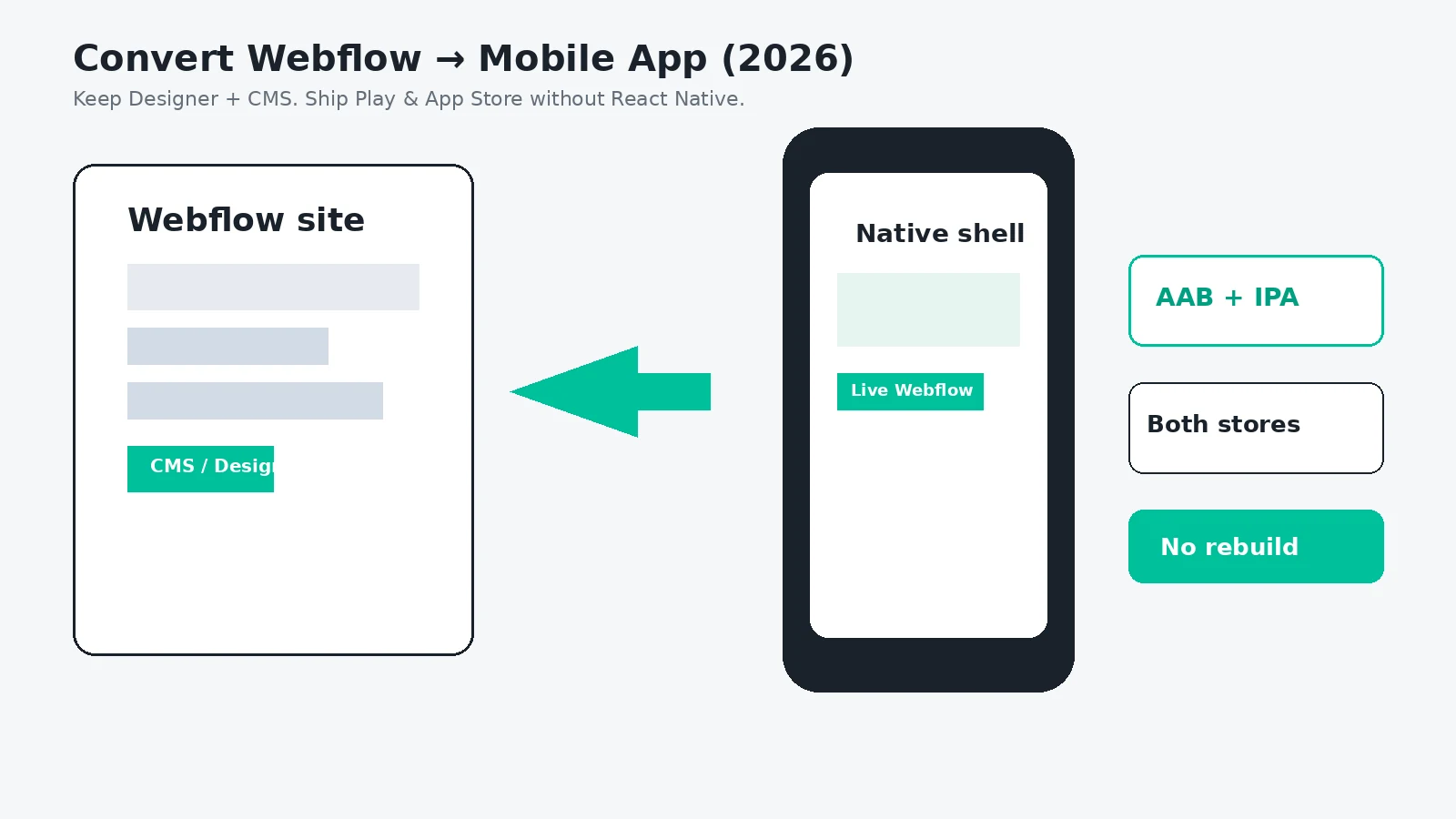
Convert Webflow to a Mobile App in 2026 (No Rebuild, Both Stores)
Turn your Webflow Designer and CMS site into Android and iOS apps without rebuilding in React Native or paying Median-class subscriptions forever. Free demo at 0 credits, pay-once AAB and IPA, your own Play and App Store accounts.
WebToApp Team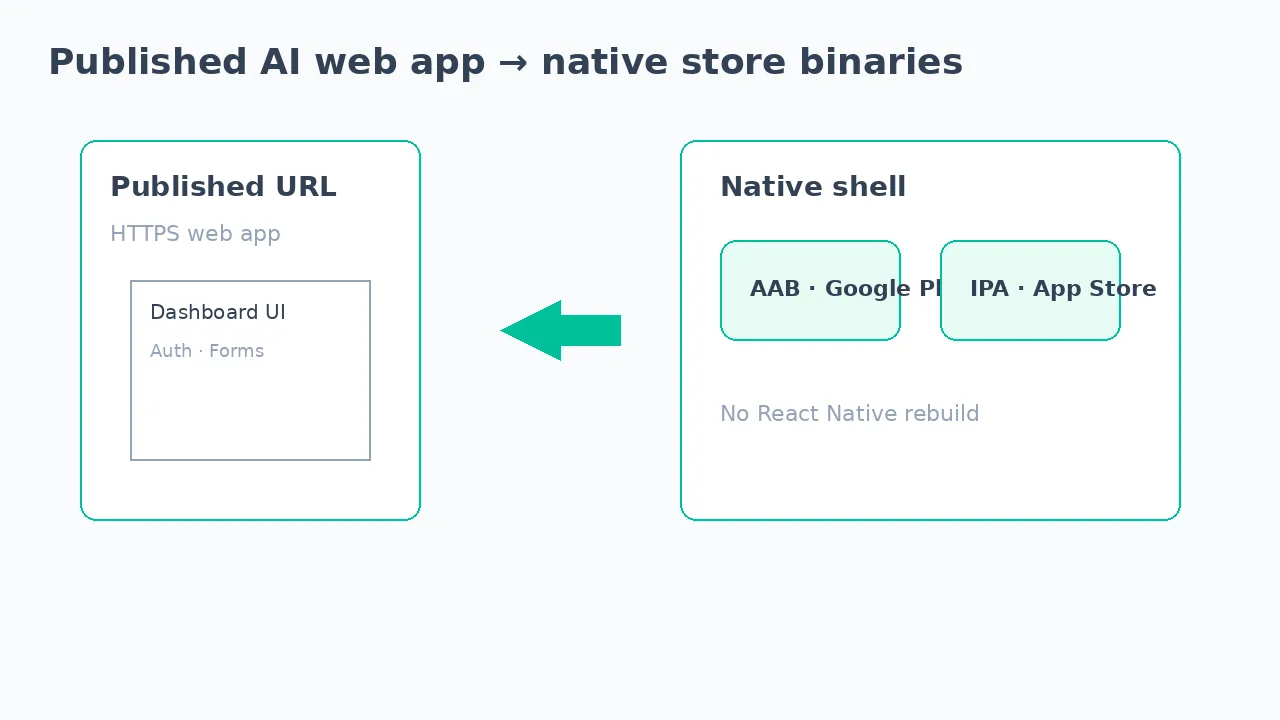 Tutorials
Convert Lovable to a Mobile App in 2026 (No React Native Rebuild)
Turn your Lovable published web app into Android and iOS store apps without rebuilding in React Native. Free demo at 0 credits, pay-once AAB and IPA, your own Play and App Store accounts — not a forever subscription wrapper.
WebToApp Team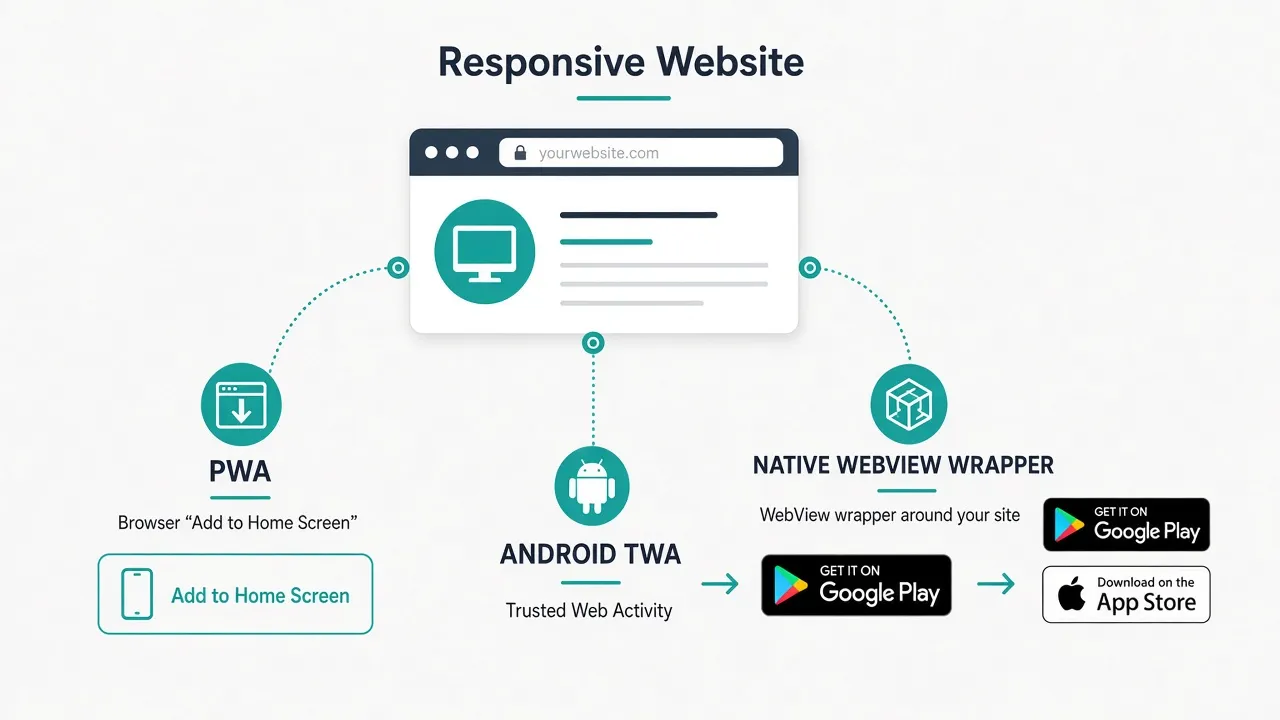 Tutorials
PWA vs Native Website Wrapper for App Stores in 2026
Honest comparison: stay on a PWA, ship Android via TWA, wrap your URL for both stores, or hire native. What iOS and Android actually allow in 2026, when each path wins, Apple 4.2 reality, and pay-once wrapper pricing.
WebToApp Team