Convert a Web App (SaaS) to a Mobile App in 2026: Login, Payments, Push

WebToApp Team
Product
You searched for convert web app to mobile app or web to application because you already ship a product — a logged-in dashboard, not a marketing homepage. Maybe it is a React or Next.js SPA, a Vue admin, or a Rails or Laravel SaaS behind email and OAuth. You want the same product in Google Play and the App Store without rewriting it in Swift and Kotlin.
That path is realistic in 2026: a native shell loads your live HTTPS URL in a WebView, adds splash, icon, push, and a branded offline retry screen, and outputs signed AAB and IPA files you upload under your own developer accounts. The hard part is not the build — it is everything your web stack assumes about browsers, cookies, OAuth popups, Stripe checkout, and store payment rules.
This guide is for founders with account-based web apps. For brochure sites and CMS landing pages, start with How to Turn a Website Into an App in 2026 (https://www.webtoapp.app/blog/how-to-turn-website-into-app-2026). For Android-only Play Console detail, read Website to Android App (AAB) for Google Play in 2026 (https://www.webtoapp.app/blog/convert-website-to-android-app-2026). For iOS signing without a Mac, read Convert a Website to an iOS App (IPA) Without a Mac (https://www.webtoapp.app/blog/convert-website-to-ios-app-2026). For no-code stacks, see Convert Lovable to a Mobile App in 2026 (https://www.webtoapp.app/blog/convert-lovable-to-mobile-app) and How to Turn Your Bubble App Into a Mobile App (https://www.webtoapp.app/blog/convert-bubble-to-mobile-app). For wrapper vs PWA, see PWA vs Native Website Wrapper for App Stores in 2026 (https://www.webtoapp.app/blog/pwa-vs-native-wrapper-website-to-app-2026). For year-one math, see How Much Does It Cost to Turn a Website Into an App in 2026 (https://www.webtoapp.app/blog/how-much-does-it-cost-to-turn-website-into-app-2026).
Brand note: WebToApp.app (pay-once credits, you own Play Console and Apple Developer accounts, AAB + IPA download) is not WebIntoApp.com (different company, free tier with their branding on some plans) and not WebsiteToApp.app (another Android-focused product). Same keywords on Google, different vendors.
#Marketing site vs logged-in web app
A five-page marketing site mostly needs responsive layout and fast HTTPS. A SaaS web app needs persistent login, file uploads, billing, role-based UI, and often third-party OAuth. Store reviewers also treat account-based apps differently: Apple Guideline 5.1.1(v) expects in-app account deletion when users can sign up inside the app, and Guideline 4.2 asks whether the mobile experience adds value beyond a bookmark.
If your mobile web experience already works in Safari and Chrome on a phone — login, settings, uploads, checkout — wrapping it is usually faster than rebuilding screens natively. If critical flows only work on desktop, fix the web app first. No wrapper hides a broken responsive layout.
#Sessions, cookies, and staying logged in
Mobile WebViews are still browsers, but users force-quit apps, switch networks, and leave tabs in the background for days. Your session layer must survive that.
- Use secure, HttpOnly cookies with sensible SameSite settings for your domain. Test login → force-quit → reopen on real devices, not only desktop responsive mode.
- If you rely on localStorage for tokens, confirm refresh logic handles WebView storage eviction after OS updates.
- Safari ITP-style behavior is less of a surprise inside your own WebView on your own origin, but third-party cookie login (embedded widgets) still breaks — prefer first-party auth on the same domain you load in the app.
- Set the app start URL to your post-login route only if unauthenticated users can reach a login screen from there; otherwise start at /login and deep-link after auth.
Demo before production
Run the free demo APK or demo iOS build on a phone and repeat your signup and login flows. Credits charge only when a production build succeeds — see https://www.webtoapp.app/pricing — but fixing auth in demo saves review cycles later.
#Google OAuth and the disallowed_useragent error
Google blocks many OAuth requests inside embedded WebViews. Users see errors referencing disallowed_useragent or similar wording. That is intentional: Google’s OAuth policies restrict embedded user-agents for security reasons. Pasting your web Google Sign-In button into a WebView without changes often fails on day one.
- Email + password or magic link on your domain — boring, reliable inside WebViews.
- Sign in with Apple on iOS when you offer other third-party login — required under Apple App Store Review Guideline 4.8 for many apps (https://developer.apple.com/app-store/review/guidelines/#sign-in-with-apple). Apple documents equivalent login options that limit data collection; treat Sign in with Apple as part of your iOS launch checklist, not an optional nice-to-have.
- OAuth via the system browser: open Google (or other) auth in Chrome Custom Tabs on Android or SFSafariViewController on iOS, then return to your app URL with a session cookie. Your backend must accept the redirect chain.
- Native bridge flows only when you actually implement them — WebToApp exposes a JavaScript bridge (https://www.webtoapp.app/docs/javascript-bridge) for app events and optional RevenueCat purchases, not a turnkey Google OAuth SDK.
Test every provider you offer on both platforms. A flow that works in desktop Chrome often fails in the app until you move OAuth out of the embedded WebView.
#Detecting the app to hide web-only UI
Your SaaS probably shows Install our app banners, cookie consent tuned for browsers, or web push prompts. Inside the store app, those get in the way.
WebToApp injects helpers on every page load. Use window.WebToApp.isMobileApp() and window.WebToApp.getPlatform() to branch UI, or read window.WebToApp.platform when you only need iOS vs Android. Full examples and edge cases are in App Detection (https://www.webtoapp.app/docs/app-detection). You can also open the app with a query flag on the start URL, for example https://yoursaas.com/dashboard?isMobileApp=true, and hide chrome in your frontend router.
#File uploads, camera, and microphone
If your web app uses input type=file or getUserMedia for KYC, support tickets, or voice notes, the WebView must declare OS permissions. In WebToApp, enable camera and microphone on the Permissions tab for each platform before requesting a new production build. Your site keeps using standard browser APIs — no custom bridge message is required. See Camera & Microphone (https://www.webtoapp.app/docs/camera-microphone).
On iOS, write a specific NSCameraUsageDescription (and mic text if needed) that matches what users actually do. Generic copy fails review more often than working code.
#Downloads, PDFs, and external links
Invoices, tax PDFs, and help articles sometimes need the system browser or a share sheet instead of an in-WebView download that feels broken. WebToApp defaults to opening other domains in the system browser; same-domain links stay in the app. You can force external open with query flags documented in External Links (https://www.webtoapp.app/docs/external-links): append externalAndroid=true or externaliOS=true to a URL when you want Chrome or Safari explicitly.
Universal Links and Android App Links for your marketing domain can open the installed app from email — WebToApp configures associated domains when your dashboard website URL is set; follow the iOS setup guide for Apple-side capability steps (https://www.webtoapp.app/docs/ios-setup).
#Stripe checkout vs Apple and Google in-app purchase
This section is not legal advice. Store rules change by storefront, product type, and region. When in doubt, talk to a lawyer before you bet revenue on a wrapper.
Apple App Store Review Guideline 3.1.1 requires in-app purchase for digital goods and services consumed in the app, with exceptions documented in 3.1.3 and related sections (https://developer.apple.com/app-store/review/guidelines/#in-app-purchase). Guideline 3.1.1(a) describes StoreKit External Purchase Link entitlements for some regions; Apple also states that for the United States storefront, developers may include buttons, external links, or other calls to action to purchase digital content without those entitlements — while other storefronts still restrict steering to non-IAP checkout. Read the current guideline text yourself before you ship; we do not guarantee Apple or Google will accept any specific checkout UX.
Google Play billing policies similarly require Google Play Billing for many digital in-app purchases. Physical goods, certain reader experiences, and payments outside the app may qualify for exceptions — verify against Google’s current Play Console policy pages for your category.
- SaaS that unlocks features on the web and in the app with the same subscription often needs store-native billing on iOS/Android for the in-app purchase path, or a model Apple/Google accept (sometimes account-based access purchased on the web only, depending on product — high risk to assume without review prep).
- Stripe Checkout in the WebView may work technically and still fail review if it circumvents IAP for digital goods on non-US storefronts.
- WebToApp can integrate RevenueCat for native in-app purchases through the JavaScript bridge when you configure keys and rebuild — see https://www.webtoapp.app/docs/revenuecat. That is optional engineering, not automatic because you wrapped the site.
- Age-restricted or regulated categories may need extra compliance hooks — see Age Verification in the docs (https://www.webtoapp.app/docs/age-verification) if your product requires it.
No approval guarantees
WebToApp.app ships signed binaries you upload yourself. Apple and Google decide approval. A Stripe button that works in Safari is not a promise it passes Guideline 3.1.1 review in every country.
#Guideline 4.2 — minimum functionality for SaaS wrappers
Apple Guideline 4.2 rejects apps that are barely more than a website bookmark (https://developer.apple.com/app-store/review/guidelines/#minimum-functionality). Google has similar quality expectations. For SaaS, reviewers look for a coherent logged-in experience, not a login wall with empty chrome.
- Ship push notifications for account alerts or workflow updates when it fits your product — configure OneSignal (https://www.webtoapp.app/docs/onesignal) or Firebase Cloud Messaging (https://www.webtoapp.app/docs/fcm) as a paid add-on before production if you need native push.
- Use the branded offline retry screen instead of the generic WebView error page when the network drops — built into the shell; see https://www.webtoapp.app/faq
- Hide the browser URL bar and polish splash + icon so the app feels intentional.
- Write review notes that explain what your SaaS does and how to log into a demo account.
Template-marketplace rule 4.2.6 is another reason WebToApp does not submit to Apple or Google on your behalf — you publish under your own accounts with your own listing copy. More context: https://www.webtoapp.app/blog/publish-website-to-google-play-app-store-2026
#In-app account deletion (Apple 5.1.1(v))
If users can create accounts in your app, Apple expects account deletion within the app, not only a support email — see Guideline 5.1.1(v) Account Sign-In (https://developer.apple.com/app-store/review/guidelines/#data-collection-and-storage). Your web settings page counts if it is reachable in one or two taps from inside the wrapper and actually deletes the account. Test it in the demo build before you upload IPA.
#Push notifications: FCM and OneSignal
Web push inside a WebView is not a substitute for native push on iOS. For production engagement, plan OneSignal or FCM, enable the add-on in the dashboard (9 credits per add-on unlock — same add-on pricing across platforms), and follow the setup guides: OneSignal (https://www.webtoapp.app/docs/onesignal) and FCM (https://www.webtoapp.app/docs/fcm). Identify users from your JavaScript with the same external IDs you use on the web so campaigns target the right accounts.
Changing push keys or provider requires a new production build and store update. Marketing site content on your URL still updates live without resubmitting.
#Offline and slow networks
Your SaaS is online-first. The shell still needs a graceful failure mode: when the device is offline or your server times out, users should see a branded retry overlay covering the WebView — not a broken browser glyph. That is default shell behavior; you do not implement it in React. Retry reloads after failure without wiping a healthy session when users return from background — details in https://www.webtoapp.app/faq
#WebToApp flow for a SaaS URL
- Sign up at https://www.webtoapp.app/signup and enter your production HTTPS origin (custom domain strongly recommended for cookies and OAuth).
- Open demo at 0 credits on Android and/or iOS. Run login, billing, uploads, and settings on real hardware.
- Configure branding, permissions, optional push add-on, and platform tabs. Draft edits are free.
- Run production when ready. Credits debit only if that production build succeeds: first Android 39 credits ($39), first iOS 59 credits ($59), both-platform pack 89 credits ($89). Rebuilds: Android 9 credits, iOS 19 credits. Add-ons such as push: 9 credits each.
- Download AAB/APK and IPA, upload to your Google Play Console ($25 one-time) and Apple Developer Program ($99/year). You control release timing and review responses.
“We do not guarantee store approval. We guarantee a signed binary when the cloud build succeeds and you configured credentials correctly.”
— WebToApp FAQ
#Pre-submission checklist (SaaS wrapper)
- Login and logout work; session survives force-quit and reopen.
- Every OAuth provider works on Android and iOS, or you removed the button on that platform.
- Sign in with Apple is available on iOS if Google or other third-party login is offered (Guideline 4.8).
- Account deletion is reachable in-app for apps with signup (Guideline 5.1.1(v)).
- Payments match store rules for your product type and storefront; US-only link-out assumptions are not rolled out worldwide.
- File upload and camera/mic flows tested with Permissions tab flags enabled and a fresh build.
- External PDFs and invoice downloads open reliably (External Links doc).
- App detection hides install banners and web-only prompts (App Detection doc).
- Push sends to test devices if you enabled OneSignal or FCM add-on.
- Airplane mode shows branded retry, not a white error screen.
- Privacy policy URL in listing and inside the app; data collection matches what your web app actually sends.
- Demo reviewer credentials prepared; 4.2 review notes explain real SaaS utility.
#FAQ
#Is converting a web app different from converting a website?
Yes. Marketing sites care about layout and speed. Web apps add auth, OAuth, billing, uploads, and account lifecycle rules stores enforce. This post covers that gap; our platform-specific Android and iOS posts cover store mechanics.
#Can I keep Stripe checkout only?
Maybe on the web, but store apps selling digital access often need in-app purchase or an Apple/Google-approved flow. US App Store rules on external purchase links changed in recent guideline updates — read 3.1.1 and 3.1.1(a) directly and plan native billing or RevenueCat if reviewers expect it.
#When do I need a rebuild?
Deploying new React or Rails code to your server does not require a rebuild. Changing icon, splash, bundle ID, permissions, push keys, or unlocked add-ons does. See live vs rebuild sections in the Bubble and Lovable guides linked above.
#What does it cost for a SaaS on both stores?
WebToApp: free demo, then pay-once credits — Android $39, iOS $59, both $89, optional add-ons $9, charged only if production succeeds. Store fees: Google Play $25 one-time, Apple $99/year. Full tables: https://www.webtoapp.app/blog/how-much-does-it-cost-to-turn-website-into-app-2026 and https://www.webtoapp.app/pricing
Try your SaaS URL in demo first
Sign up: https://www.webtoapp.app/signup · Pricing: https://www.webtoapp.app/pricing · FAQ: https://www.webtoapp.app/faq · Docs index: https://www.webtoapp.app/docs
Related Articles
 Tutorials
How to Turn a Website Into an App in 2026 (Step-by-Step for Android and iOS)
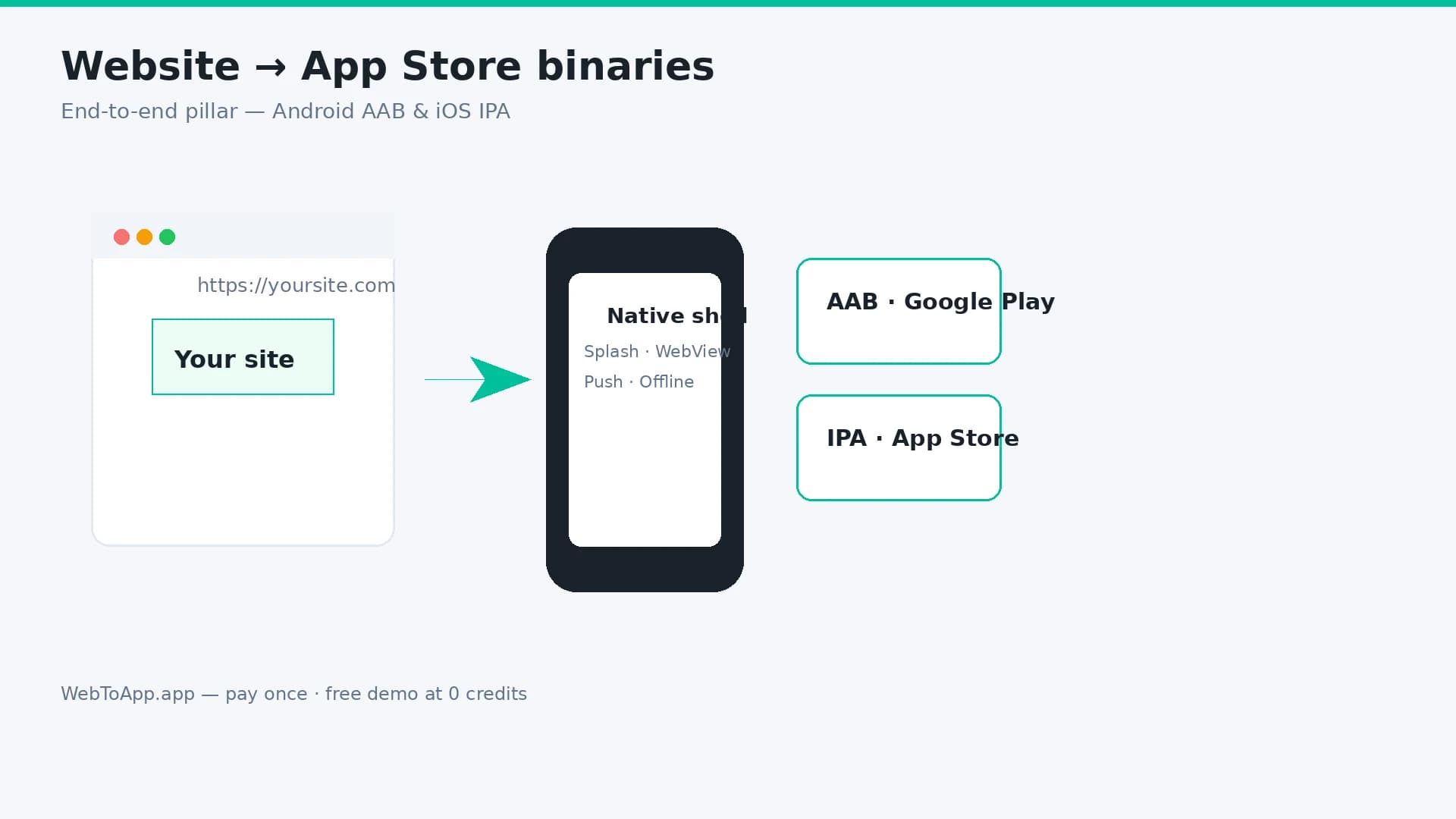
Vendor-neutral pillar guide: decide if your site belongs in the stores, audit mobile readiness, compare four build routes, then ship with WebToApp.app — free demo at 0 credits, pay-once AAB and IPA, your own Play and Apple accounts.
WebToApp Team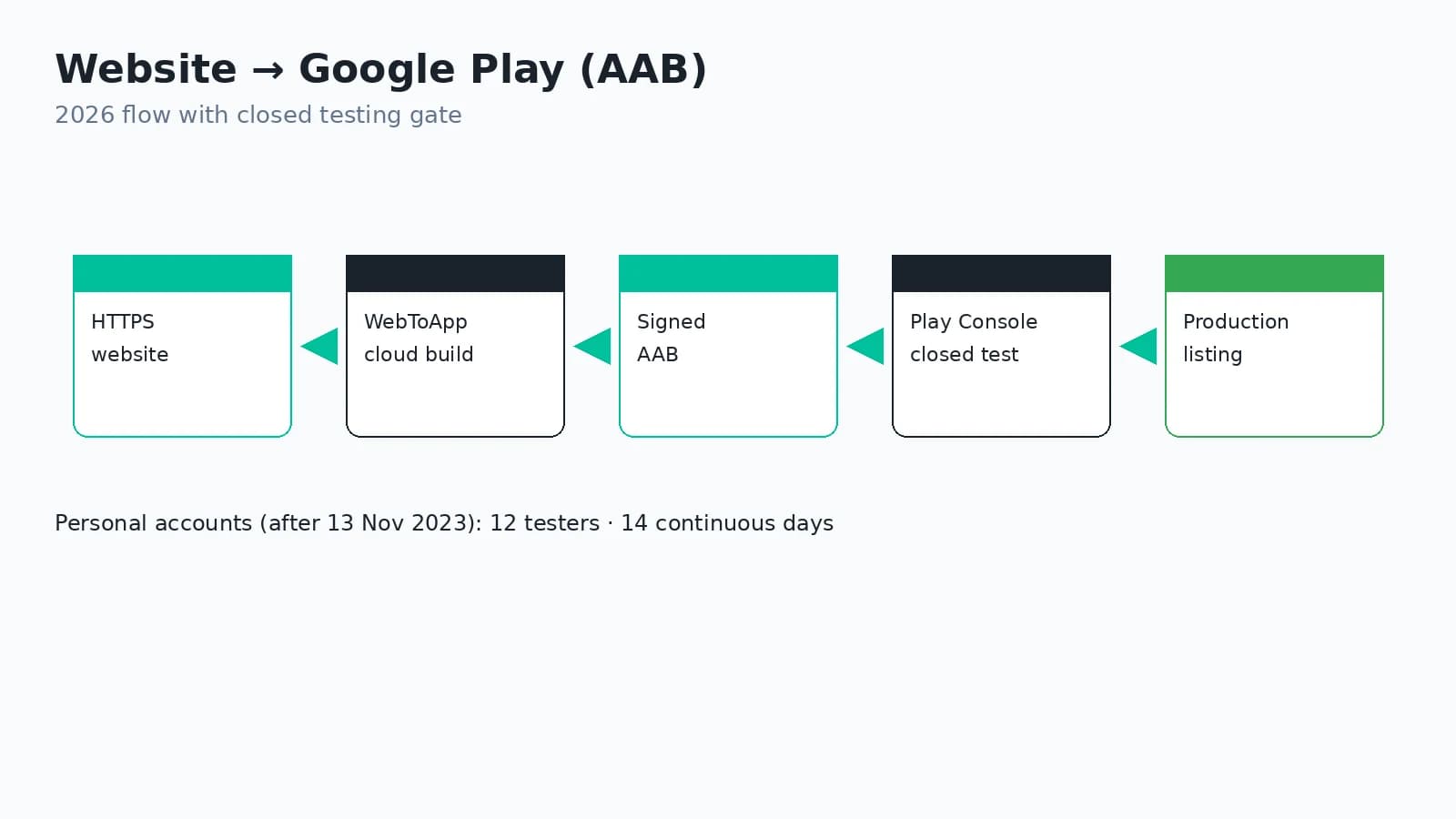 Tutorials
Website to Android App (AAB) for Google Play in 2026
Turn your website into a Google Play app in 2026: signed AAB, Play App Signing, the $25 developer fee, personal-account closed testing (12 testers / 14 days), Data safety, target API level, push via FCM, and honest WebToApp pricing.
WebToApp Team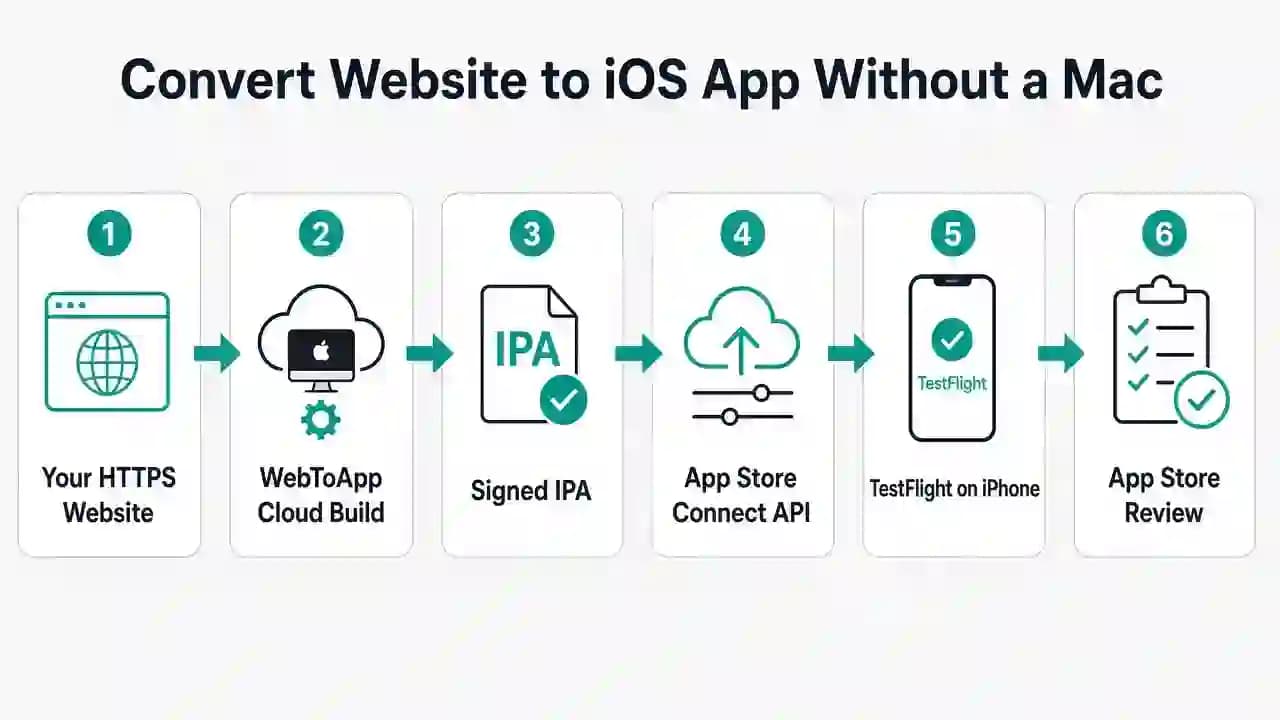 Tutorials
Convert a Website to an iOS App (IPA) Without a Mac
Turn your website into an iPhone app without owning a Mac or Xcode: signed IPA, App Store Connect API key setup, TestFlight, Apple 4.2 rules, and honest 2026 costs. iOS-only deep dive.
WebToApp Team