How to Turn Your Bubble App Into a Mobile App (iOS + Android, 2026)

WebToApp Team
Product
You already shipped a Bubble web app — workflows, database, plugins, the whole stack — and now you want it on Google Play and the App Store. Bubble is one of the largest no-code web-app builders on the planet, but store binaries are still a separate decision from “Deploy to live.”
Search bubble to mobile app and you will see Bubble’s own native mobile documentation, wrapper vendors, and forum threads that all assume you picked a path already. This guide does not. It compares the two honest architectures Bubble teams use in 2026, then walks the wrapper route step by step with WebToApp.app when your responsive web app is the product.
For the platform-agnostic version of the same store journey, start with How to Turn a Website Into an App in 2026 (https://www.webtoapp.app/blog/how-to-turn-website-into-app-2026). This post stays Bubble-specific.
- Brand is WebToApp.app — not WebsiteToApp.app, Appy Pie, Median, Natively, or BDK (different products, different pricing models).
- Free Android and iOS demo file builds at 0 credits before you pay.
- Pay-once production: Android $39, iOS $59, both $89. Optional add-ons (OneSignal, FCM, AdMob) $9 once per app.
- Credits charge only if production succeeds. Failed production builds auto-refund.
- You submit with your own Play ($25 one-time) and Apple Developer ($99/year) accounts. iOS production needs App Store Connect API credentials in the dashboard. No store-approval guarantee.
Who this guide is for
You have a live Bubble web app (ideally on a custom domain) and want Play and/or App Store distribution without guessing which architecture fits. Paste that live URL into a free demo before you buy credits: https://www.webtoapp.app/signup · Pricing: https://www.webtoapp.app/pricing
#Two routes: Bubble native mobile editor vs wrapping your web app
Bubble’s documentation describes web apps and native mobile apps as tools inside the same project — shared database, shared backend workflows, one editor. That shared backend is real. The mobile front end is not a free copy-paste of your web pages.
#Route A — Bubble’s native mobile editor (React Native)
- Truly native UI built from mobile views, mobile elements, and native navigation patterns (tabs, stacks, modals) — not browser pages.
- Bubble states that existing web pages need to be rebuilt for mobile; you can copy some elements, but the recommended path is a mobile-specific redesign (see Bubble’s “What is a native mobile app?” documentation on manual.bubble.io).
- Backend workflows and data can stay shared; you can also add mobile-only workflows.
- Publishing native builds to Apple and Google requires a paid Bubble Mobile or Web + Mobile plan while the app stays live — not a web-only Starter plan (see Bubble pricing plans documentation).
- Bubble can generate builds and integrate with App Store Connect and Google Play using keys you provide — a different ops model from pasting a URL into a third-party wrapper.
- Best when you want a native-first product long term and can invest in rebuilding screens, testing on devices, and Bubble’s mobile release cadence (the editor has been in beta; plan for thorough testing).
#Route B — Wrap your existing responsive Bubble web app
- Fastest path when your Bubble app already works in mobile Safari and Chrome at phone widths.
- Reuses pages, plugins, and workflows you already deployed — no second UI tree in the mobile editor.
- Content and layout changes go live when you Deploy to live on the web; the installed app loads your URL on next open (no store resubmit for routine Bubble edits).
- You must make the mobile web experience genuinely good: responsive design, fast first paint, and real app value beyond a bookmark.
- Native device features come from the wrapper (splash, no URL bar, optional push, offline retry) — not from Bubble’s native mobile element catalog.
- Best when store discovery and a home-screen icon matter more than rebuilding every screen in React Native right now.
Bubble’s own native mobile docs also mention embedding internal Bubble pages in a mobile WebView element — but that element only loads pages from the same Bubble app, not arbitrary external sites, and native features like camera or push do not work inside that WebView. That is still part of Route A’s native project, not a substitute for wrapping your public custom domain in WebToApp.app.
#Which should I pick? (quick checklist)
- Choose Bubble native if native gestures, mobile navigation, and long-term RN performance are core to the product — and you can budget time to rebuild UI.
- Choose Bubble native if you are already on (or ready for) a Bubble Mobile or Web + Mobile plan for live store publishing.
- Choose a wrapper if your Bubble app is already responsive and you want the fastest path to Play and App Store listings.
- Choose a wrapper if marketing and product teams ship web changes weekly and cannot resubmit to Apple and Google for every copy tweak.
- Choose a wrapper if you want pay-once AAB/IPA files (WebToApp.app) instead of rebuilding screens first.
- Reconsider either route if the product is mostly digital goods sold inside iOS — Apple Guideline 3.1 and In-App Purchase rules may require more than a checkout page in a WebView.
PWA vs store wrapper economics and discovery tradeoffs live here: PWA vs Native Website Wrapper for App Stores in 2026 (https://www.webtoapp.app/blog/pwa-vs-native-wrapper-website-to-app-2026). Sibling no-code guide: Convert Lovable to a Mobile App (https://www.webtoapp.app/blog/convert-lovable-to-mobile-app).
#Bubble readiness audit before you wrap (fix these on the live site)
Run this against your production custom domain — not the Bubble editor alone, and never the version-test URL reviewers cannot reach. Most failed launches are Bubble site problems wearing an app icon.
- Custom domain on HTTPS for the URL you paste into WebToApp.app. Treat *.bubbleapps.io / version-test links as staging only.
- Responsive layouts tested at 360–430px width on real iOS Safari and Android Chrome — repeating groups, popups, and floating groups are common pain points.
- Hide or collapse web-only chrome on mobile (wide headers, marketing footers, desktop-only sidebars).
- First page weight: Bubble apps can feel heavy. Defer non-critical elements, optimize images, and keep the landing view light.
- Login and session persistence: confirm users stay signed in after force-quitting the app and reopening.
- Google and social sign-in: Google restricts OAuth in embedded WebViews (403 disallowed_useragent). Email magic links, Apple Sign In, or opening the system browser for OAuth are common fallbacks — test the exact flow in demo builds on phones, not only in desktop Chrome.
- File uploader and camera plugins: verify permissions prompts and that uploads complete inside the shell.
- Stripe and payments: physical goods and services often checkout in a WebView when the app is substantial; digital content consumed in the iOS app may require Apple In-App Purchase instead of web checkout.
- External links: decide whether they should open in-app or in the system browser so reviewers do not get trapped in broken flows.
- Privacy policy URL on the live site and in both store listings.
- Account deletion: apps with accounts need an in-app path to delete the account (Apple requirement) — a web-only settings page deep link may not be enough if reviewers cannot reach it.
- Security headers: if you use strict framing policies, confirm your live Bubble app still loads inside a WebView wrapper.
Demo credentials for gated apps
If your Bubble app hides core value behind login, put working reviewer credentials in Play Console and App Store Connect notes. Do not assume Apple will create an account for you.
#Apple Guideline 4.2 and Play minimum functionality (no guarantees)
Both stores reject thin website shells that add no value beyond mobile Safari. A Bubble todo list with two placeholder rows and a wrapper icon is a policy problem, not a packaging problem.
- Substantive product: real users, real data, workflows that matter on a phone.
- Push notifications for meaningful events (not spam) — optional OneSignal add-on $9 once: https://www.webtoapp.app/blog/push-notifications-onesignal-guide.
- Polished offline or error state — WebToApp.app ships a branded retry screen; it is not an offline copy of your Bubble database.
- App-only polish where honest: faster path to key actions, no visible browser URL bar in the shell.
- Reviewer notes plus a demo account that exercises core Bubble workflows.
- Full submission checklists and file-type detail: Publish Your Website on Google Play and the App Store in 2026 (https://www.webtoapp.app/blog/publish-website-to-google-play-app-store-2026).
We do not promise approval
WebToApp.app generates signed binaries and a native shell with optional push and offline retry. Apple and Google decide policy compliance. Icon plus splash alone rarely satisfy Guideline 4.2.
#Wrap your Bubble app with WebToApp.app (step by step)
#1. Sign up and create the app
- Create an account at https://www.webtoapp.app/signup.
- Paste your Bubble live HTTPS URL (custom domain strongly preferred).
- Set the app name (required). We fetch favicon and suggest a name from the page title when we can; you always get an icon — favicon, upload, or letter avatar — before create finishes.
- Creating the app auto-queues Android and iOS demo builds at 0 credits.
#2. Demo on real phones (not a store build)
- On General, use Open demo for an in-dashboard phone preview (splash, then your site in a framed WebView). That preview is for quick checks — not the binary stores review.
- When demo builds finish, download demo.apk (Android) or demo.zip (iOS Runner.app) from the Builds card and install on physical devices — that is the authoritative WebView test.
- Walk login, popups, repeating groups, uploads, and payments the way App Review will.
- Demo files expire after seven days and are unsigned — not uploads to Play or App Store Connect.
#3. Splash and branding reviewers see first
- Replace the placeholder icon with a 1024×1024 PNG before production (no alpha for Apple).
- Splash is the first native frame — match your Bubble brand, not the Bubble editor chrome.
- Status bar colors can match your site chrome in the Look section.
#4. Optional add-ons ($9 each, once per app)
- OneSignal or FCM push — strong 4.2 lever when notifications map to real Bubble events.
- AdMob — only if ads already belong on the web app.
- WebToApp.app does not ship native tab bars or drawer navigation — your Bubble responsive layout is the navigation.
#5. Production build — when credits charge
When demo testing looks good, run Production on Android and/or iOS from General or the platform tabs. Draft edits are free. Credits move only if that production build succeeds.
- Android: 39 credits ($39) first build — signed AAB for Play plus APK for device testing. Rebuilds $9.
- iOS: 59 credits ($59) first build — IPA for TestFlight / App Store Connect. Rebuilds $19. Configure App Store Connect API credentials in the iOS tab.
- Both-platform pack: $89 when you will ship both stores.
- Year-one store fees and full math: How Much Does It Cost to Turn a Website Into an App in 2026 (https://www.webtoapp.app/blog/how-much-does-it-cost-to-turn-website-into-app-2026).
#Device testing checklist (Bubble-specific)
- Login survives force-quit and reopen without an infinite spinner.
- Android hardware back button closes popups before exiting the app.
- Repeating groups and long lists scroll smoothly without trapping focus.
- File and camera uploads finish and show success states.
- Stripe or payment plugins complete without blocking WebView redirects.
- Airplane mode shows the branded offline/error screen instead of a broken browser glyph.
#What updates live vs what needs a rebuild
- No store resubmit: Bubble Deploy to live, database changes, workflow logic, and new web pages on the same domain.
- Needs rebuild (+ store update): app icon, splash, display name, push keys, AdMob, Android application ID or iOS bundle ID changes.
- No converter — WebToApp.app included — can promise Apple or Google approval.
#FAQ
#Can I turn my Bubble app into a mobile app?
Yes — either rebuild UI in Bubble’s native mobile editor and publish through Bubble’s mobile plans, or wrap your live responsive Bubble web app in a native shell and submit AAB/IPA yourself. This guide focuses on the wrapper path with WebToApp.app.
#Do I need to rebuild my Bubble app for mobile?
For Bubble’s native mobile route, yes — Bubble documents that web pages should be rebuilt as mobile views to use native elements and performance. For the wrapper route, you need a strong mobile web experience, not a second UI tree in the mobile editor.
#Bubble native mobile vs wrapper?
Native mobile is React Native UI inside Bubble’s editor, shared backend, paid mobile plan for store publishing, and Bubble-managed builds. A wrapper loads your existing HTTPS app in a WebView shell — fastest when the web app already works on phones, with pay-once binaries from WebToApp.app and you own store submission.
#Can I publish a Bubble app on the App Store?
Yes, with either Bubble’s native iOS builds or a wrapper IPA you upload to App Store Connect. Apple still reviews for Guideline 4.2 minimum functionality, privacy labels, and account deletion rules. See the publish guide: https://www.webtoapp.app/blog/publish-website-to-google-play-app-store-2026
#Is there a free way?
WebToApp.app demo builds cost 0 credits — download demo.apk or demo.zip and test on your phones. Bubble’s native editor has its own plan and build limits on paid mobile tiers. Production store binaries are pay-once credits ($39 / $59 / $89) only when builds succeed.
#Will Apple approve it?
Nobody can guarantee approval. Thin wrappers fail Guideline 4.2. Substantial Bubble apps with polished mobile web UX, optional push, offline retry, and honest reviewer notes fare better — still not a promise. FAQ: https://www.webtoapp.app/faq
Start with the free Bubble URL demo
Sign up: https://www.webtoapp.app/signup · Pricing: https://www.webtoapp.app/pricing · FAQ: https://www.webtoapp.app/faq · Pillar guide: https://www.webtoapp.app/blog/how-to-turn-website-into-app-2026 · Publish checklist: https://www.webtoapp.app/blog/publish-website-to-google-play-app-store-2026 · Cost breakdown: https://www.webtoapp.app/blog/how-much-does-it-cost-to-turn-website-into-app-2026 · PWA comparison: https://www.webtoapp.app/blog/pwa-vs-native-wrapper-website-to-app-2026
Related Articles
 Tutorials
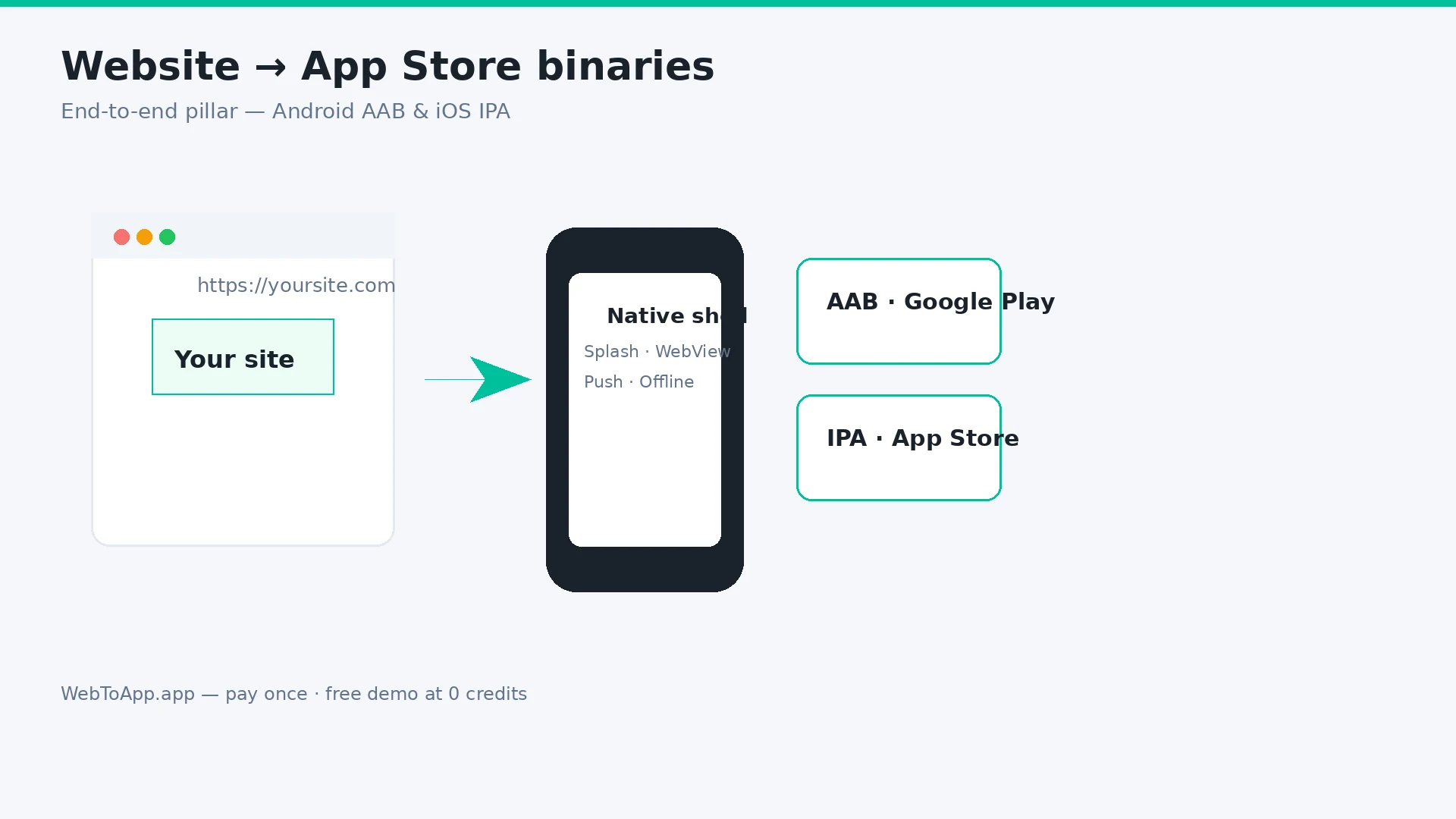
How to Turn a Website Into an App in 2026 (Step-by-Step for Android and iOS)
Vendor-neutral pillar guide: decide if your site belongs in the stores, audit mobile readiness, compare four build routes, then ship with WebToApp.app — free demo at 0 credits, pay-once AAB and IPA, your own Play and Apple accounts.
WebToApp Team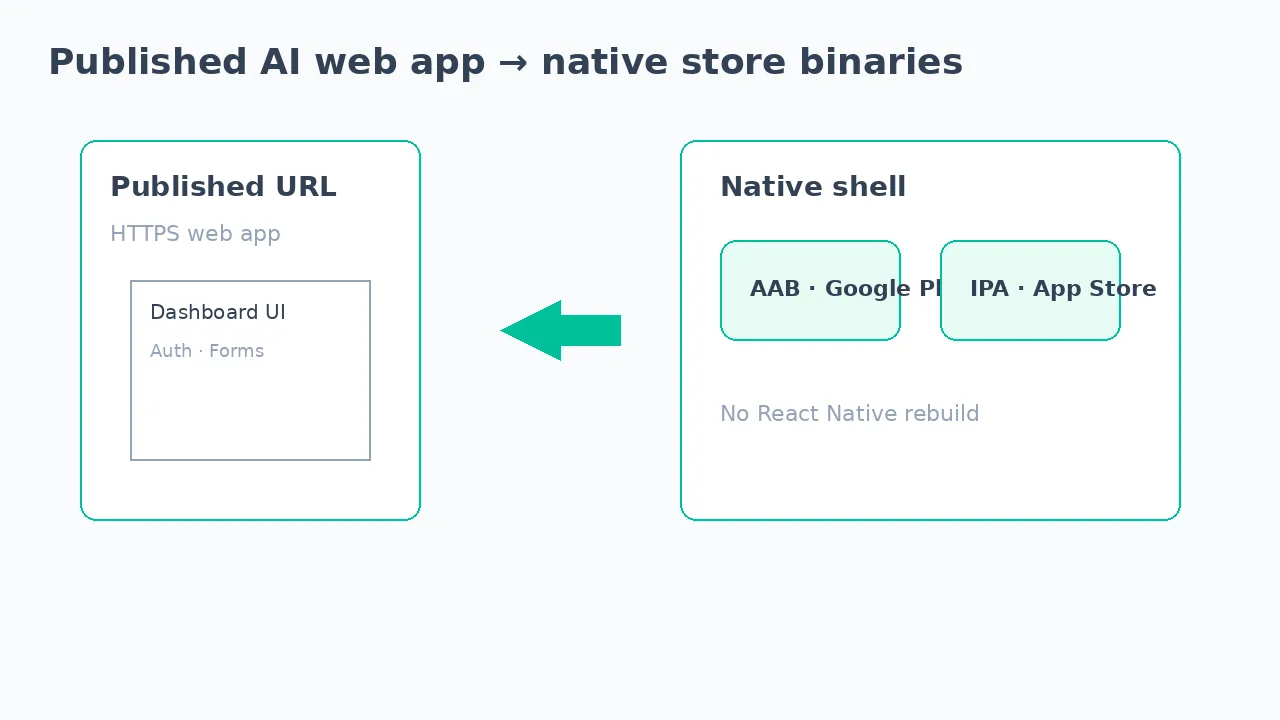 Tutorials
Convert Lovable to a Mobile App in 2026 (No React Native Rebuild)
Turn your Lovable published web app into Android and iOS store apps without rebuilding in React Native. Free demo at 0 credits, pay-once AAB and IPA, your own Play and App Store accounts — not a forever subscription wrapper.
WebToApp Team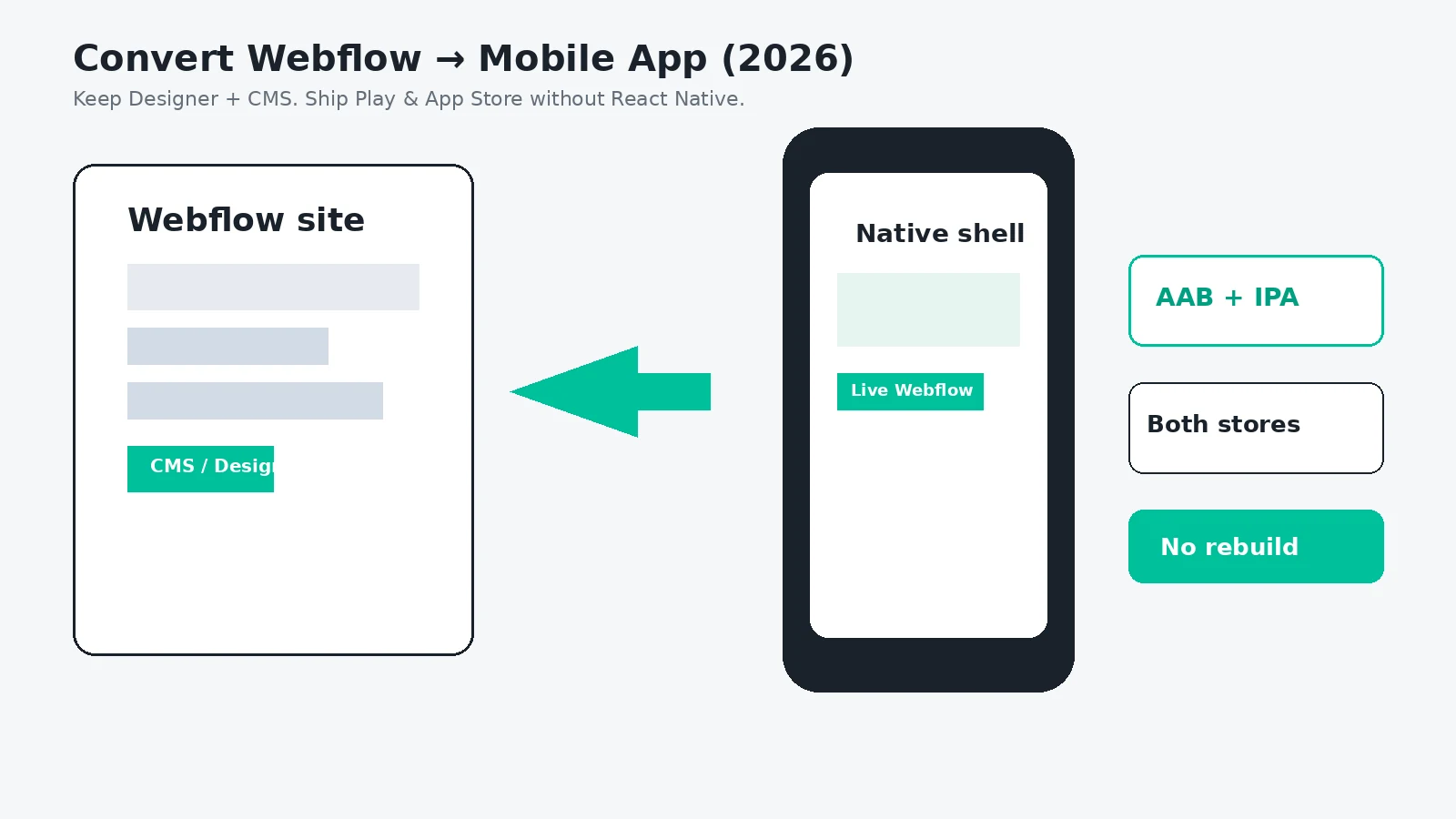 Tutorials
Convert Webflow to a Mobile App in 2026 (No Rebuild, Both Stores)
Turn your Webflow Designer and CMS site into Android and iOS apps without rebuilding in React Native or paying Median-class subscriptions forever. Free demo at 0 credits, pay-once AAB and IPA, your own Play and App Store accounts.
WebToApp Team